Introduction 3
.
Set up the audio by presetting
favorite stations, setting the
tone, and adjusting the
speakers.
.
Set up phone numbers in
advance so they can be called
easily by touching a single
button or by using a single voice
command if equipped with
Bluetooth phone capability.
See “Defensive Driving” in the
owner manual.
To play the infotainment system with
the ignition off, see “Retained
Accessory Power (RAP)” in the
owner manual.
Customer Assistance
Assistance is available to help with
Bluetooth pairing, other mobile
device interface, and operation
support of the CT6 infotainment
system. Specialists are available
when calling this Customer
Assistance number.
U.S.: 1-855-428-3669 (855 4
CUE NOW)
Canada: 1-888-446-2000 (Canadian
Cadillac Customer Care Centre)
Infotainment System
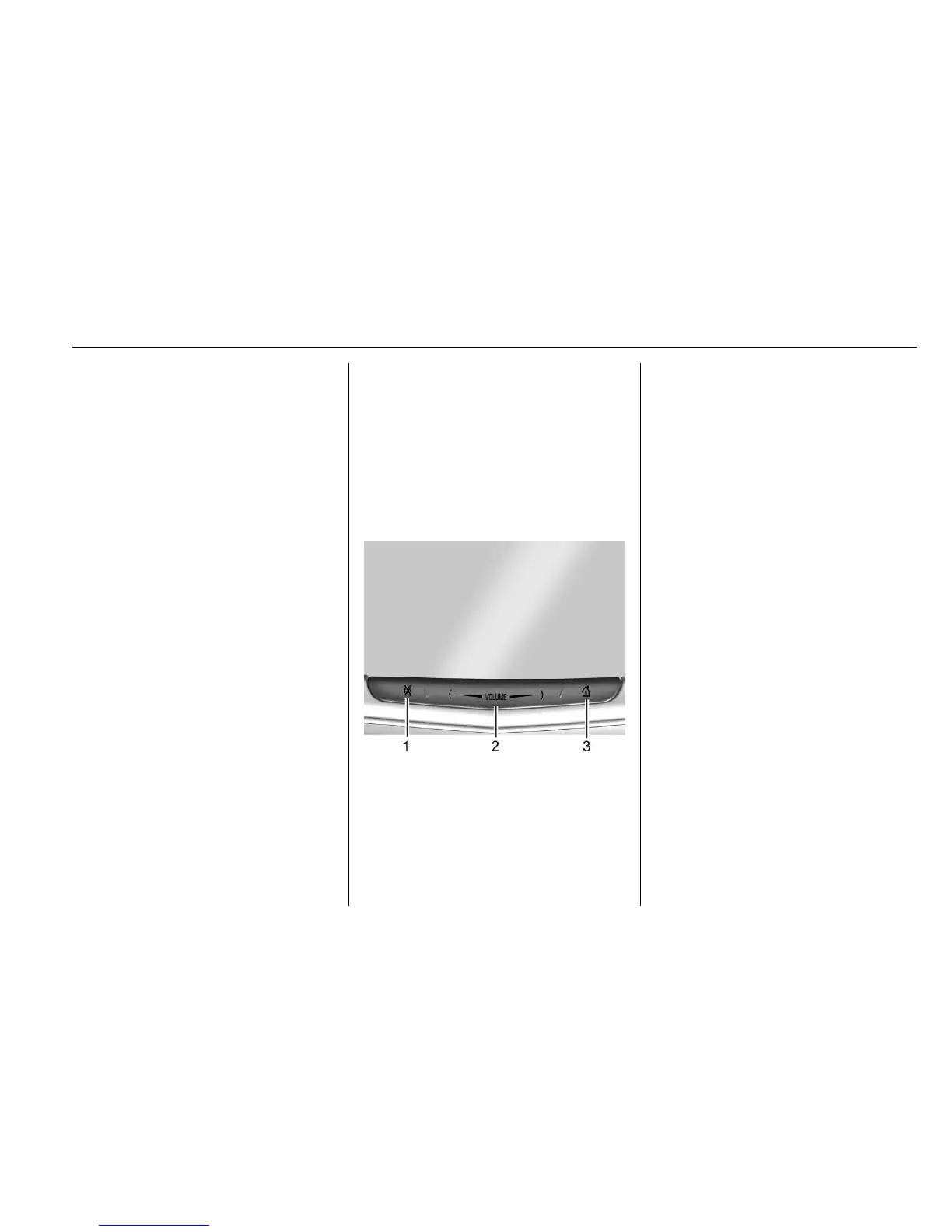
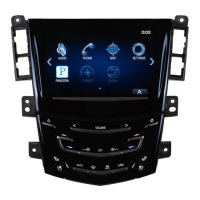
The infotainment system is
controlled by using the touchscreen,
the buttons below the touchscreen,
steering wheel controls, and voice
recognition.
1. > (Mute and Power)
2. VOLUME
3.
{ (Home Page)
Power (On/Off/Mute)
.
When off, press
> (1) to turn
the system on. Press and hold to
turn off.
.
When on, press
> to mute the
system. Press
> again to
unmute the system.
When the power is on and the
system is not muted, a quick status
pane will display when
> is
pressed. Pressing
> will mute the
system and trigger this pane to
show a long press is required to
actually power down the system.
Volume
Press the volume bar until it is seen
on the display. Slide a finger across
VOLUME to increase or decrease
the volume. Another way is to tap
up or tap down by pressing
S or T
one tap at a time.








 To Next Page