Instrumentation and Controls
. . . 106
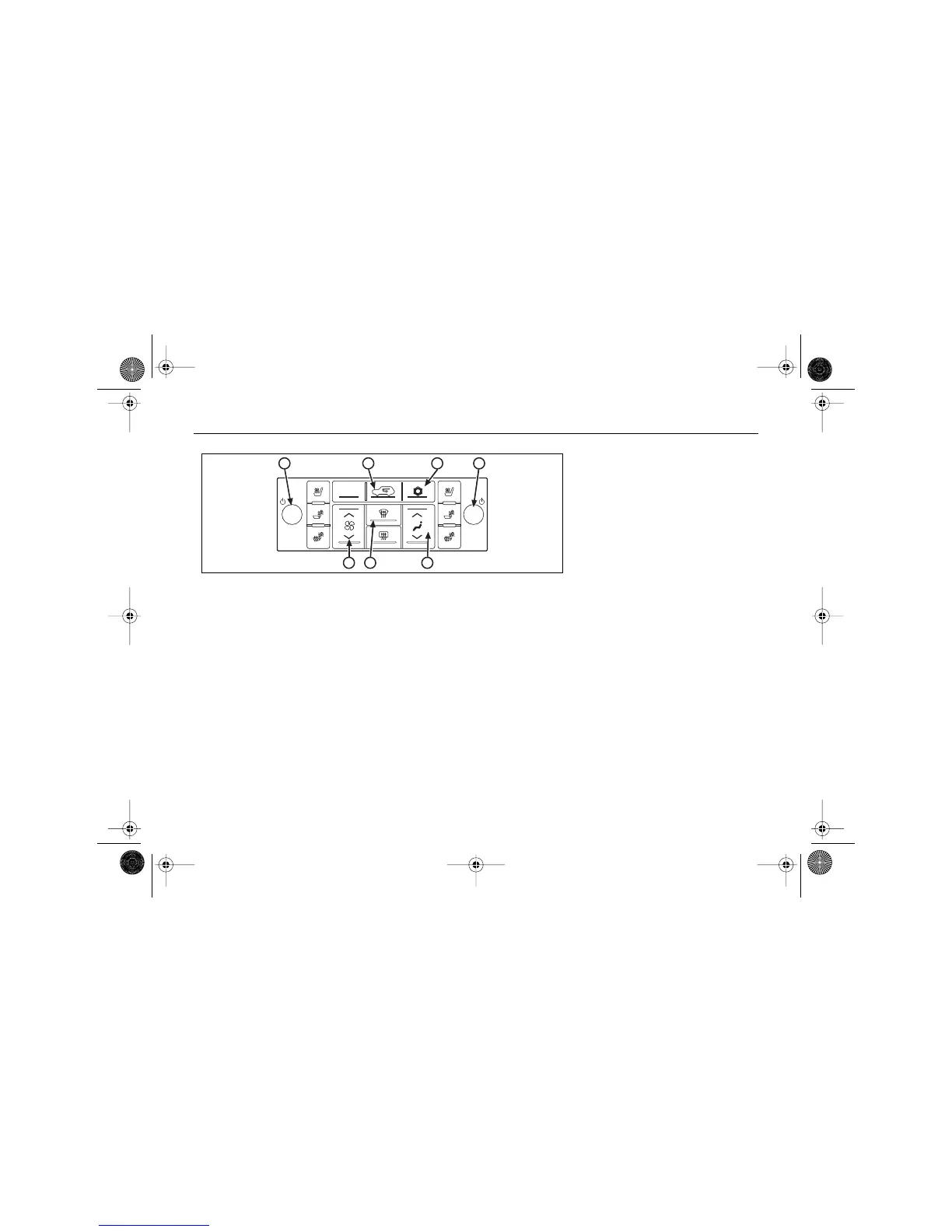
Passenger Temperature Control
Press to turn the passenger's
temperature control on and off.
Rotate the knob clockwise to
increase or counterclockwise to
decrease the temperature for the
front passenger zone.
If the temperature settings are
different, the passenger-set
temperature will appear on
the display with the driver-set
temperature.
Even while the system is off, you
can still adjust the temperature.
When defrost mode is selected,
the passenger’s temperature
setting cannot be changed.
See "Defrosting" later in this
section for more information.
If you would like to reset the
passenger's temperature to be the
same as the driver's, press to
turn off the passenger’s control.
AUTOMATIC MODE
In order for the automatic climate
control system to work properly,
be sure not to cover the sensors.
See "Sensors" later in this section.
1. Press AUTO to turn the system
on and activate the automatic
mode.
AUTO will appear on the
display.
When AUTO is selected, the
display will show the current
fan speed, air delivery mode
and temperature for about five
seconds.
2. Adjust the temperature to a
comfortable setting.
See "Temperature Control"
earlier in this section.
It may take up to 20 minutes
for the system to regulate.
Readjust the temperature as
needed.
AUTO
B D
GE
A C
F
$10araEscaladeEXT Page 106 Wednesday, October 14, 2009 9:54 AM




 To Next Page