41 . . .
–
Section 1
Driver Information Center
Buttons
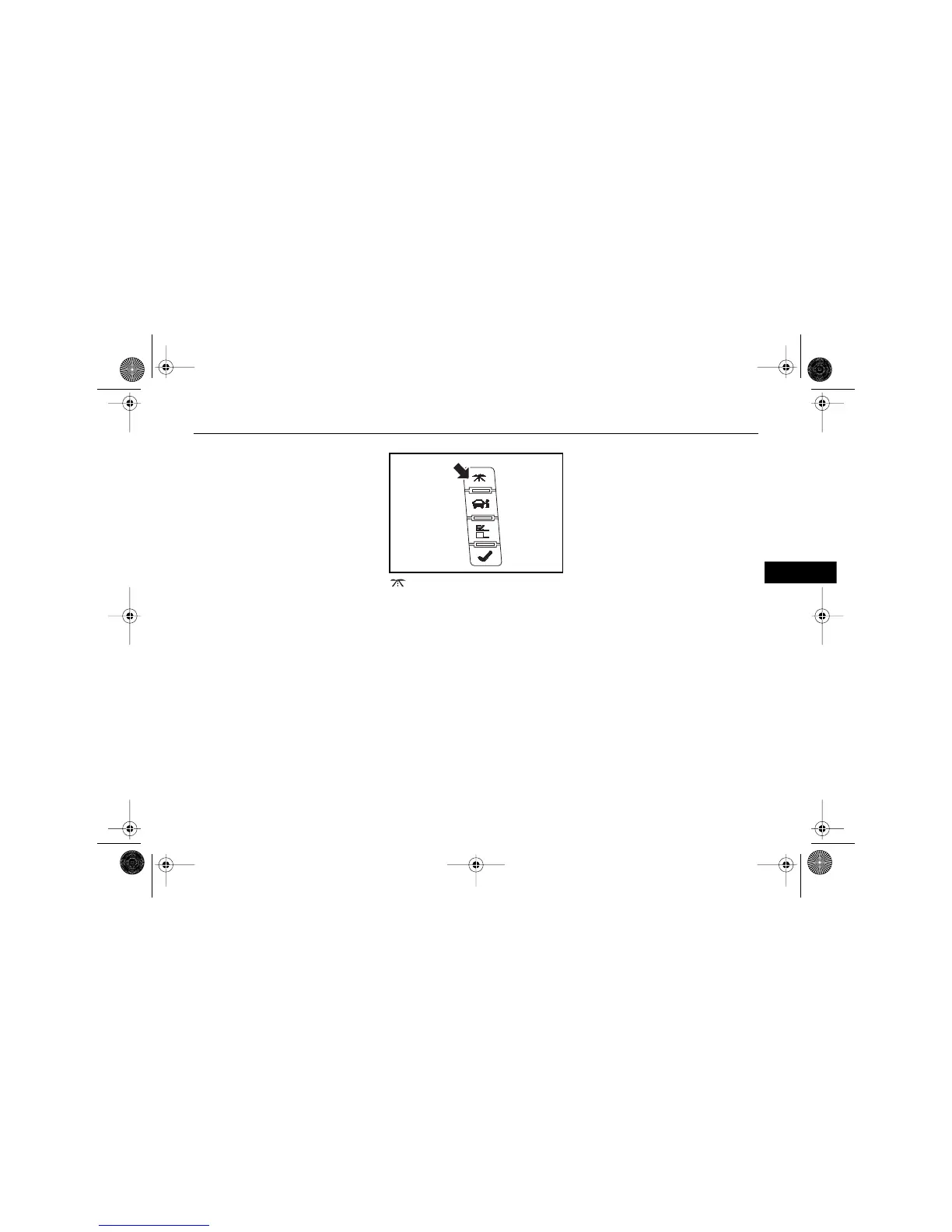
The control buttons are located on
the instrument panel, to the right
of the steering wheel.
(TRIP/FUEL INFORMATION
BUTTON)
Pressing this button repeatedly will
allow you to scroll through the
following displays:
• Odometer
•Trip Odometer
• Fuel Range
•Average Fuel Economy
• Fuel Used
•Timer
•Transmission Fluid Temperature
• Instant Fuel Economy/Active
Fuel Management™ Indicator
•Average Speed
A blank page ends this menu.
See the following, later in this
section, for more information:
•Trip/Fuel Information Menu
$10araEscaladeEXT Page 41 Wednesday, October 14, 2009 9:54 AM










 To Next Page