Instrumentation and Controls
. . . 42
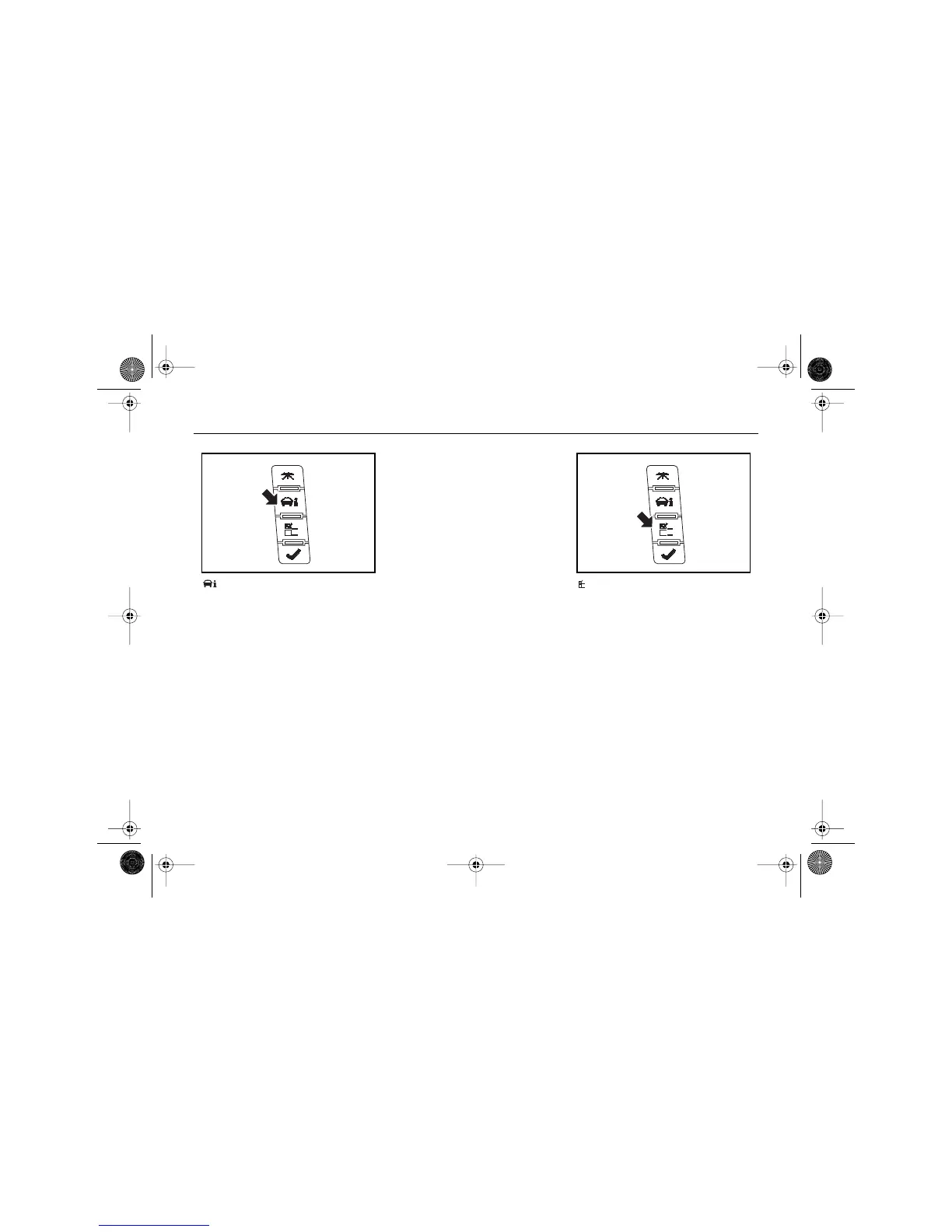
(VEHICLE INFORMATION
BUTTON)
Pressing this button repeatedly will
allow you to scroll through the
following displays:
• Engine Oil Life
• English/Metric Unit Selection
•Tire Pressure Monitor Displays
• Battery Voltage
• Oil Pressure
• Remote Keyless Entry
Transmitter Matching
• Compass Variance Zone
Settings (If equipped)
• Compass Calibration (If
equipped)
A blank page ends this menu.
See "Vehicle Information Menu"
later in this section for more
information.
(PERSONALIZATION
BUTTON)
The Driver Information Center can
be used to program various
customization features that may
be available with your vehicle.
Press this button to access the
feature customization menu.
To program personalization
settings, see "Feature Customiza-
tion" later in this section.
$10araEscaladeEXT Page 42 Wednesday, October 14, 2009 9:54 AM










 To Next Page