Instrumentation and Controls
. . . 138
To override the anti-pinch feature,
lift and hold the power window
switch in the express close
position. The window will rise for
as long as the switch is held. In this
mode, the window will close on an
object in its path. Use care when
overriding the anti-pinch feature.
The express mode will operate
normally once the switch is
released.
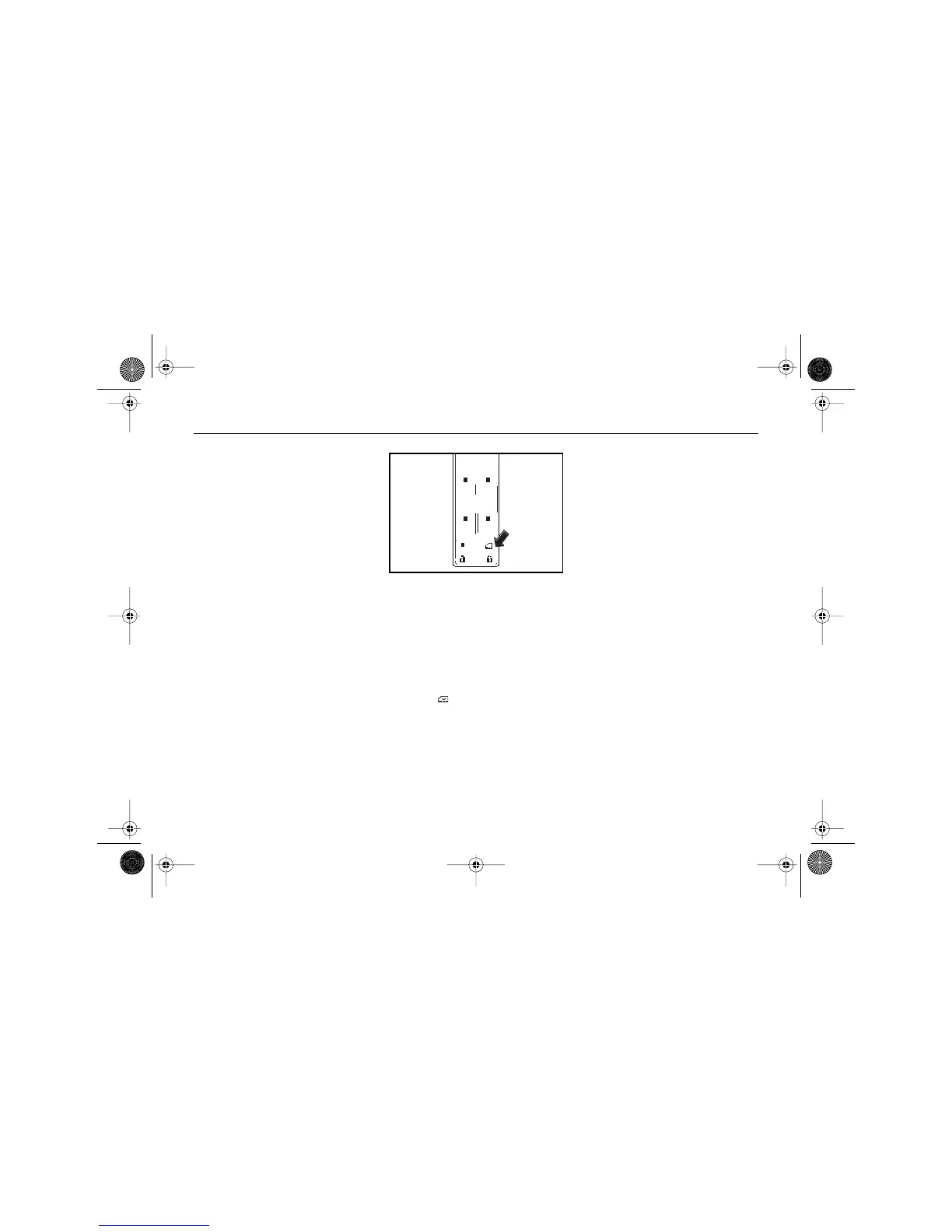
WINDOW LOCKOUT SWITCH
There is a rear window lock switch
which allows the driver to prevent
passengers from operating the
rear windows.
This button is located on the
driver's door armrest, near the
power window switches.
Press the lock-out button to
disable the passengers' window
controls. Press it again to turn
them back on.
The indicator light in the button
will glow when the lock-out
feature is activated.
You can control the passenger
windows with the switches on the
driver’s door while this feature is
activated.
$10araEscaladeEXT Page 138 Wednesday, October 14, 2009 9:54 AM










 To Next Page