“Paperless Tape” Feature
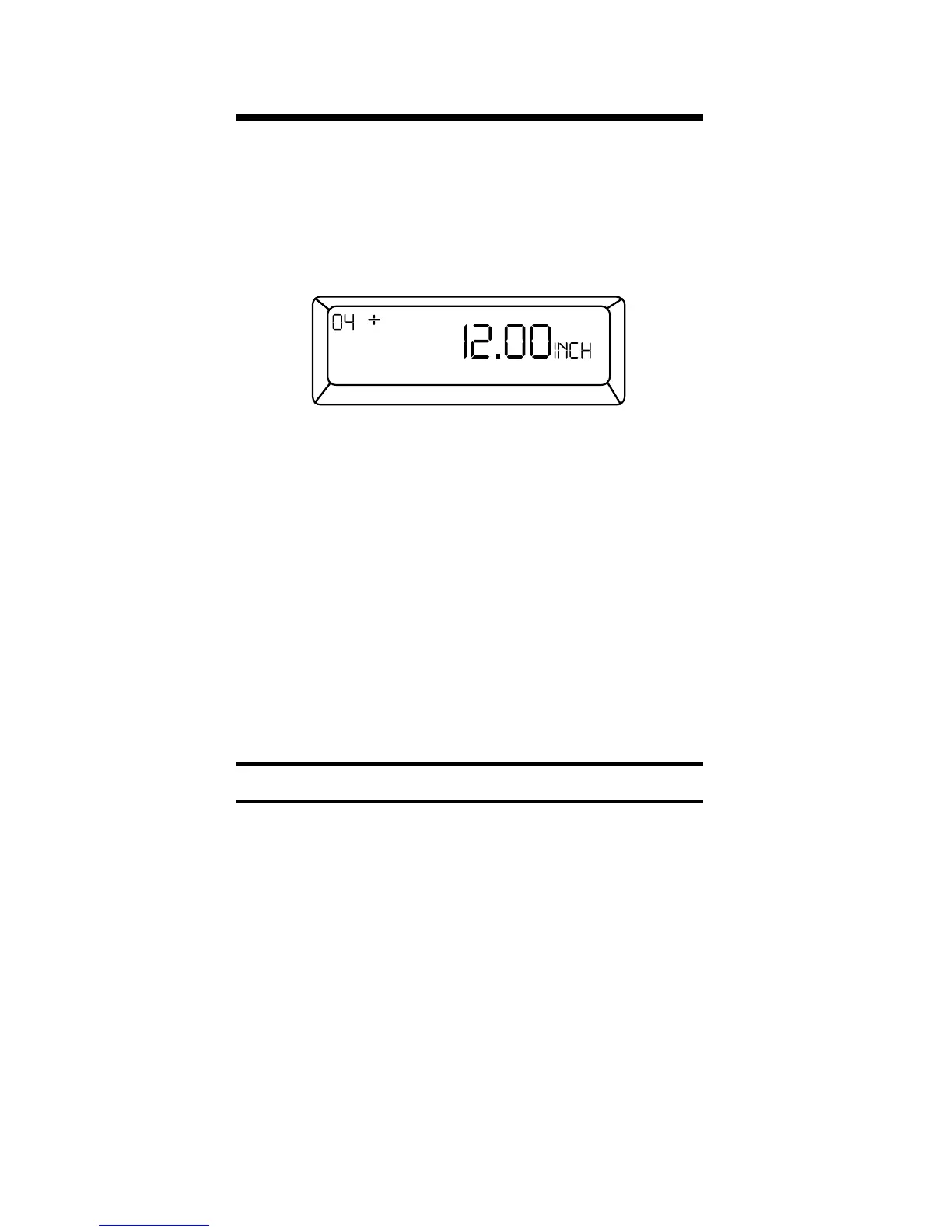
The “Paperless Tape” feature allows the
user to display the last 20 entries. While
in this mode, the display looks similar
to this:
↑ ↑ ↑
A B C
A - the sequence number of entry
(01 - 1st entry, 02 - 2nd entry, etc.)
B - the math operator (+,–,x,÷,%)
C - the entered or calculated value
How to Use the Paperless Tape
Keystrokes Display
1. Clear calculator and enter a string of
numbers:
[On/C] [On/C] 0.
4 [Feet] [+] 4
FEET 0 INCH
5 [Feet] [+] 9 FEET 0 INCH
6 [Feet] [+] 15 FEET 0 INCH
7 [Feet] [=] 22 FEET 0 INCH
26 – Ultra Measure Master
®



 To Next Page
 Loading...