11
Audio
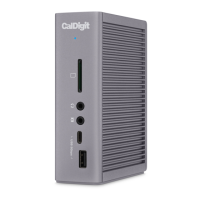
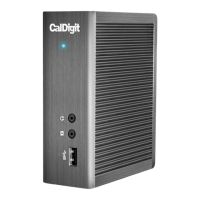
The TS3 Lite has one 3.5mm audio input and one 3.5mm amplied audio output. The audio devices
must be selected in the “Sound” section under “System Preferences”. The TS3’s audio device will be
listed as ‘USB audio CODEC’ in your settings.
Ethernet
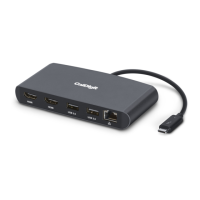
The TS3 Lite has a single Gigabit Ethernet port to connect to a Gigabit Ethernet network. Your
computer will connect to whichever network is connected to the TS3 Lite by default. These
settings can be changed in the “Network” section under “System Preferences”. The Ethernet port
also supports wake-on-LAN which allows your computer to wake from standby remotely via the
network.
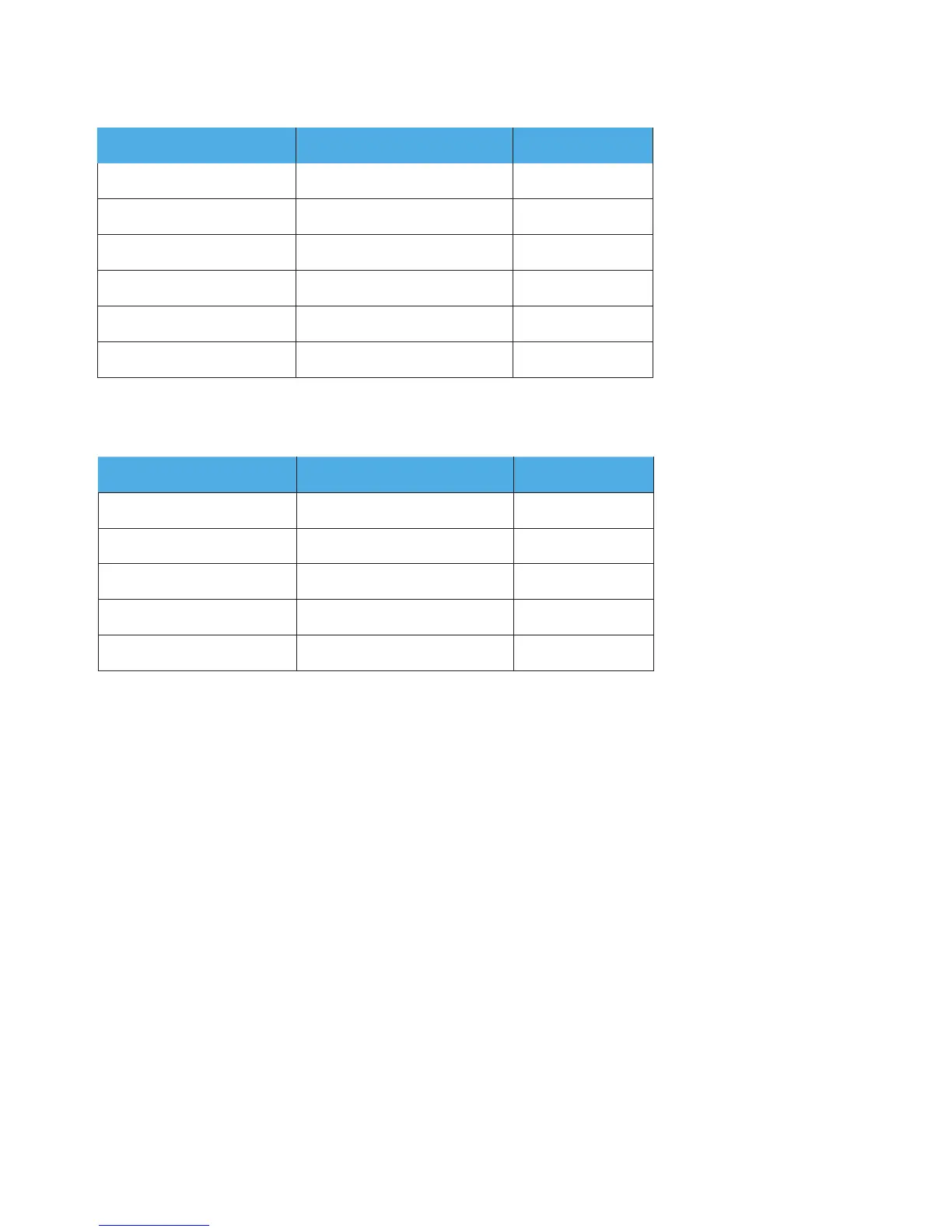
Resolution Video Display Frequency Single Monitor
5K 60 Hz Yes
4K 60 Hz Yes
2K (2560 x 1600) 60 Hz Yes
Full HD (1920 x 1080p) 60 Hz Yes
2K (2560 x 1600) 30 Hz Yes
Full HD (1920 x 1080p) 30 Hz Yes
Resolution Video Display Frequency Dual Monitor
2K (2560 x 1600) 60 Hz Yes
Full HD (1920 x 1080p) 60 Hz Yes
4K Yes
2K (2560 x 1600) 30 Hz Yes
Full HD (1920 x 1080p) 30 Hz Yes
Single Monitor: Connected to Thunderbolt™ 3 Port (With use of a USB-C Video Adapter connected to the Thunderbolt™ 3 port)
Dual Monitors : Connected to DisplayPort & Thunderbolt™ 3 Port (With use of a USB-C Video Adapter connected to the Thunderbolt™ 3 port)



 To Next Page