7
Connecting the TS3 Lite to your computer
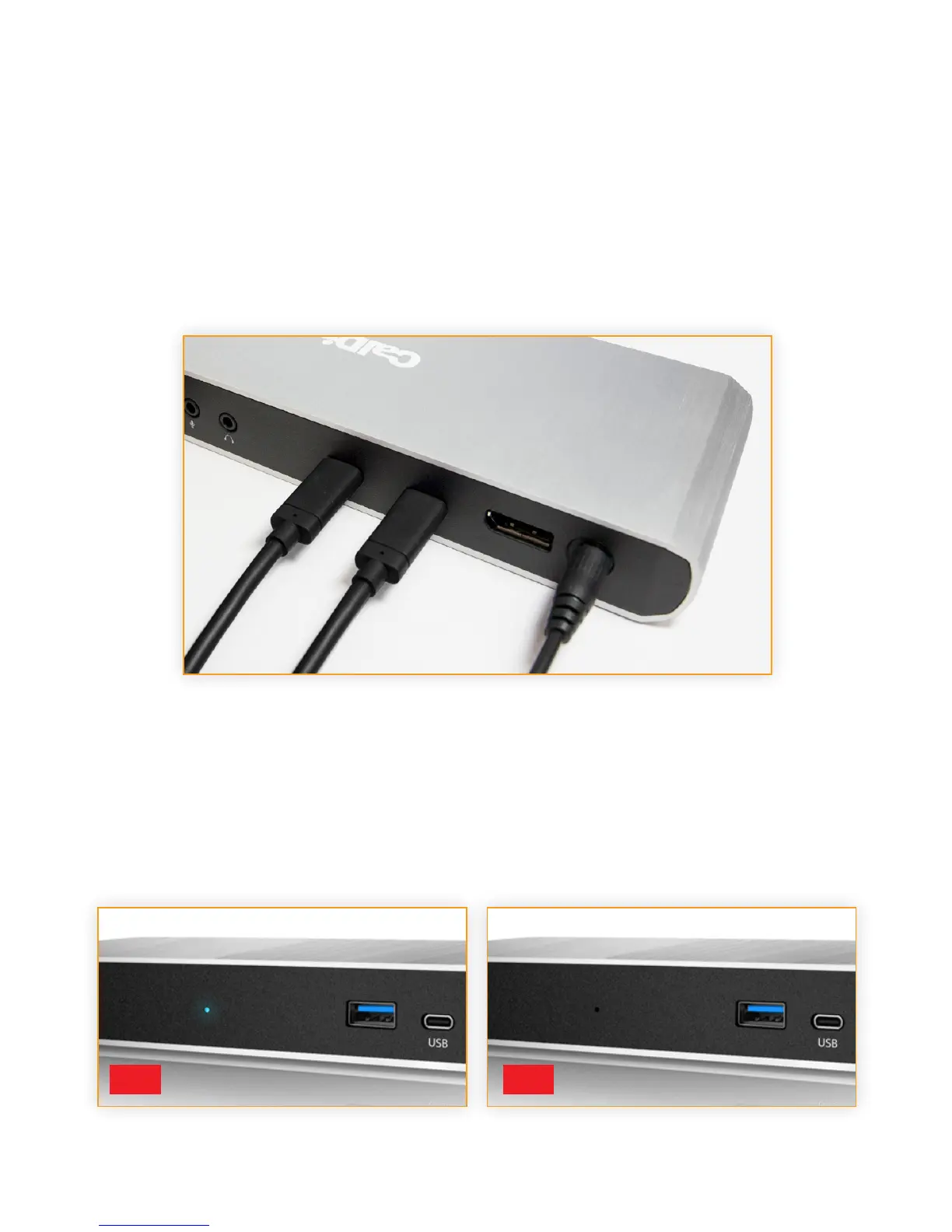
Once the TS3 Lite has been powered on, connect the device using a Thunderbolt™ 3 cable from
one of the Thunderbolt™ 3 ports on the TS3 Lite to a Thunderbolt™ 3 port on your computer.
LED Indicator
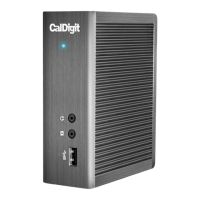
The TS3 Lite is equipped with an LED indicator, which will display a BLUE light if the unit is powered
on and connected to your computer.
ON OFF



 To Next Page