S320 OCS Hardware User Guide
Page 32 of 46
4.4.1 Missing or Damaged Contents
If any items are missing from the shipment or damage is detected, contact CALIENT Service and
Support immediately. Returned contents require a Return Material Authorization (RMA), which
can be provided by Service and Support personnel.
4.4.2 Unlocking the S320 OCS
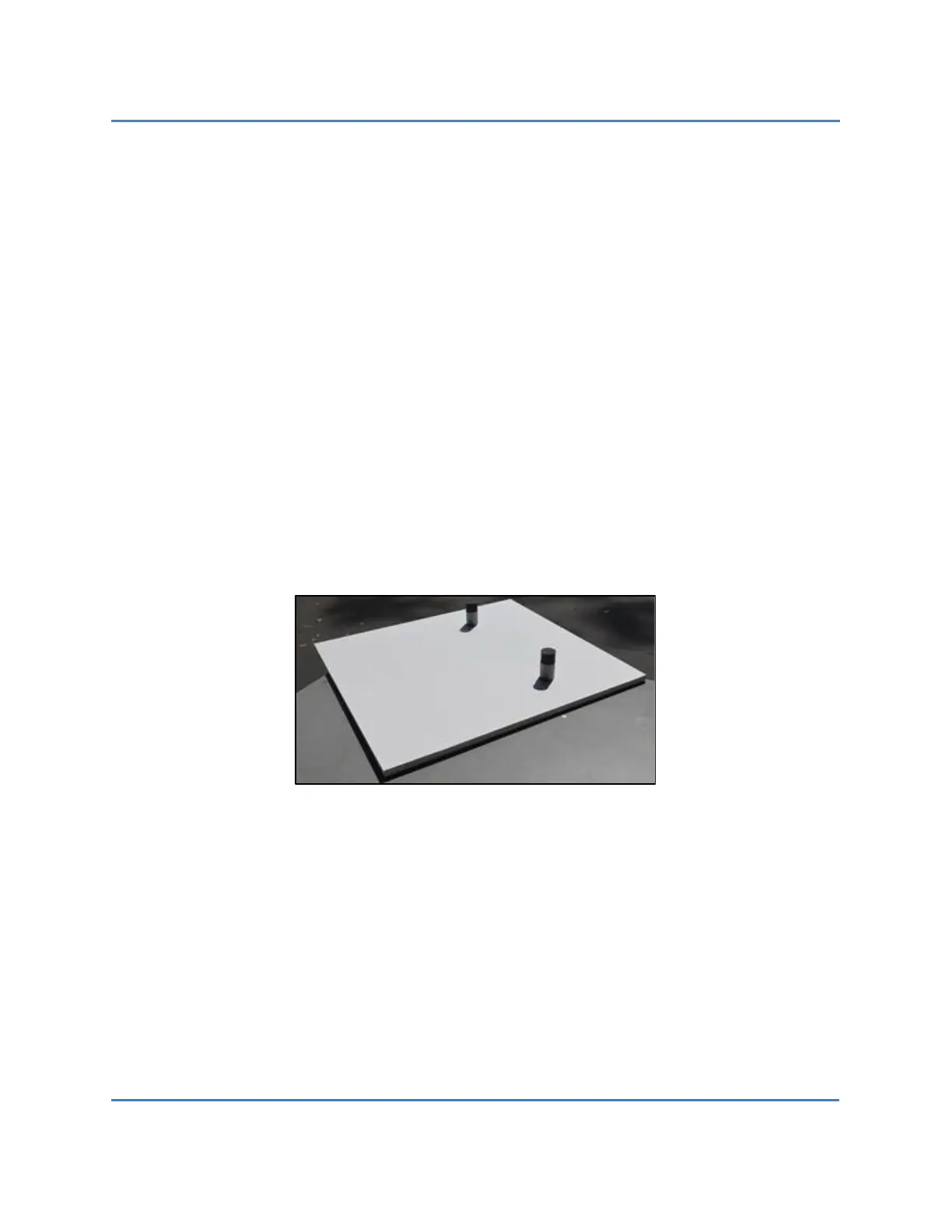
The S320 OCS is unlocked by removing the shipping lockdown baseplate. Performing this task
requires two people. The following procedure describes how to remove the shipping lockdown
baseplate (Figure 12):
1. Person 1 presses down firmly on the shipping lockdown baseplate.
2. Person 2 carefully lifts the S320 OCS while Person 1 continues pressing down on the
baseplate.
As noted in section 4.3, be sure to retain the shipping lockdown baseplate, anti-ESD bag and
other materials included in the container for future shipment. The S320 OCS can only be
shipped using the original shipping lockdown baseplate and container.
Figure 12 – Shipping Lockdown Baseplate



 To Next Page
 Loading...


