S320 OCS Hardware User Guide
Page 38 of 46
5.2.1.2 Connection Procedure
The following procedure describes how to properly connect the combination serial cable
provided with version 2 of the S320 OCS:
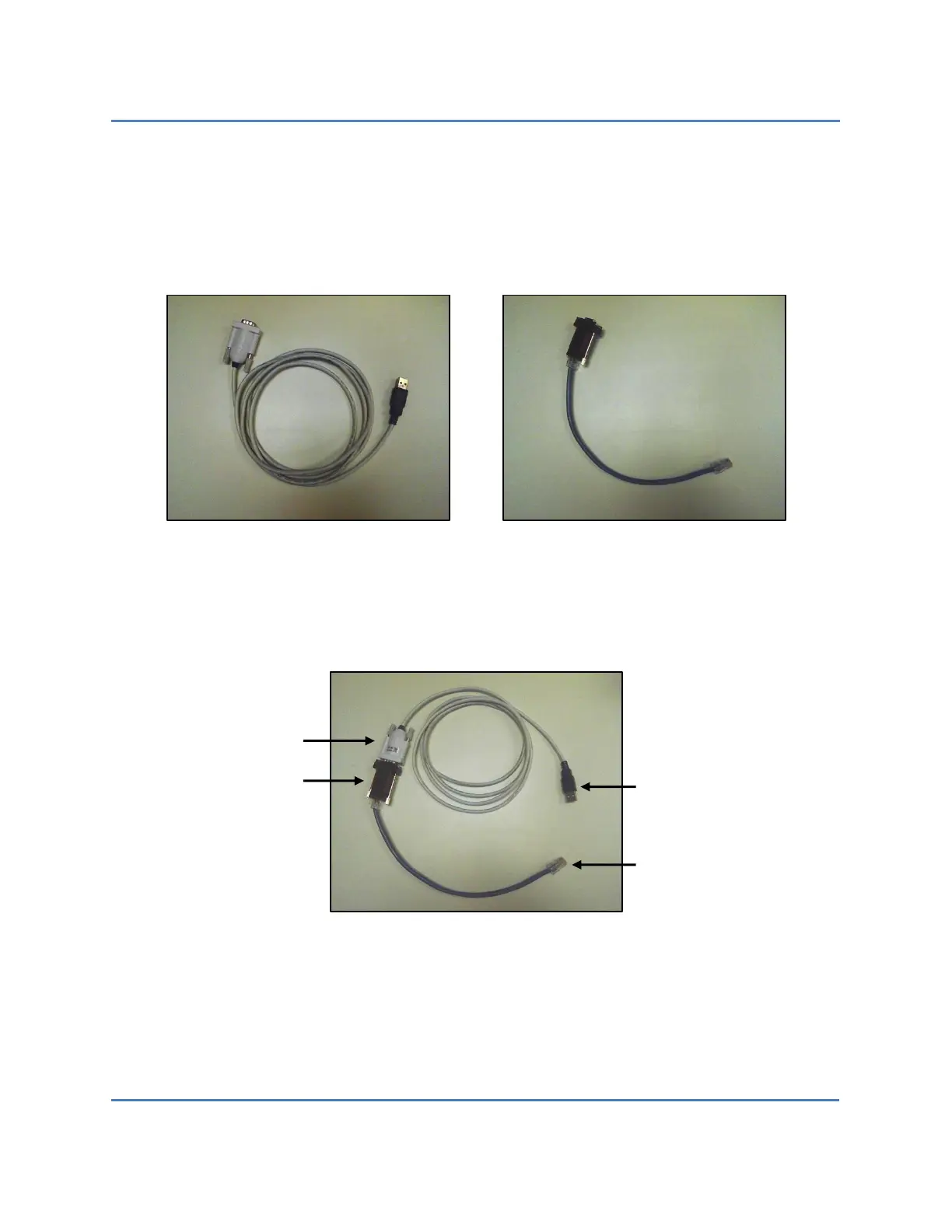
1. Connect the USB-to-DB9 serial cable to the RJ45-to-DB9 adapter cable (Figure 13).
Figure 13 – USB-to-DB9 Cable (L) and RJ45-to-DB9 Adapter Cable (R)
2. Connect the RJ45 end of the assembled serial cable (Figure 14) to the serial connector
(labeled SERIAL PORT) located on the lower-right front of the S320 (Figure 6).
Figure 14 – Assembled Serial Cable
3. Connect the USB end of the assembled cable to the serial connector on the host PC.



 To Next Page
 Loading...


