31
Proprietary Information: Not for use or disclosure except by written agreement with Calix.
November 2022.
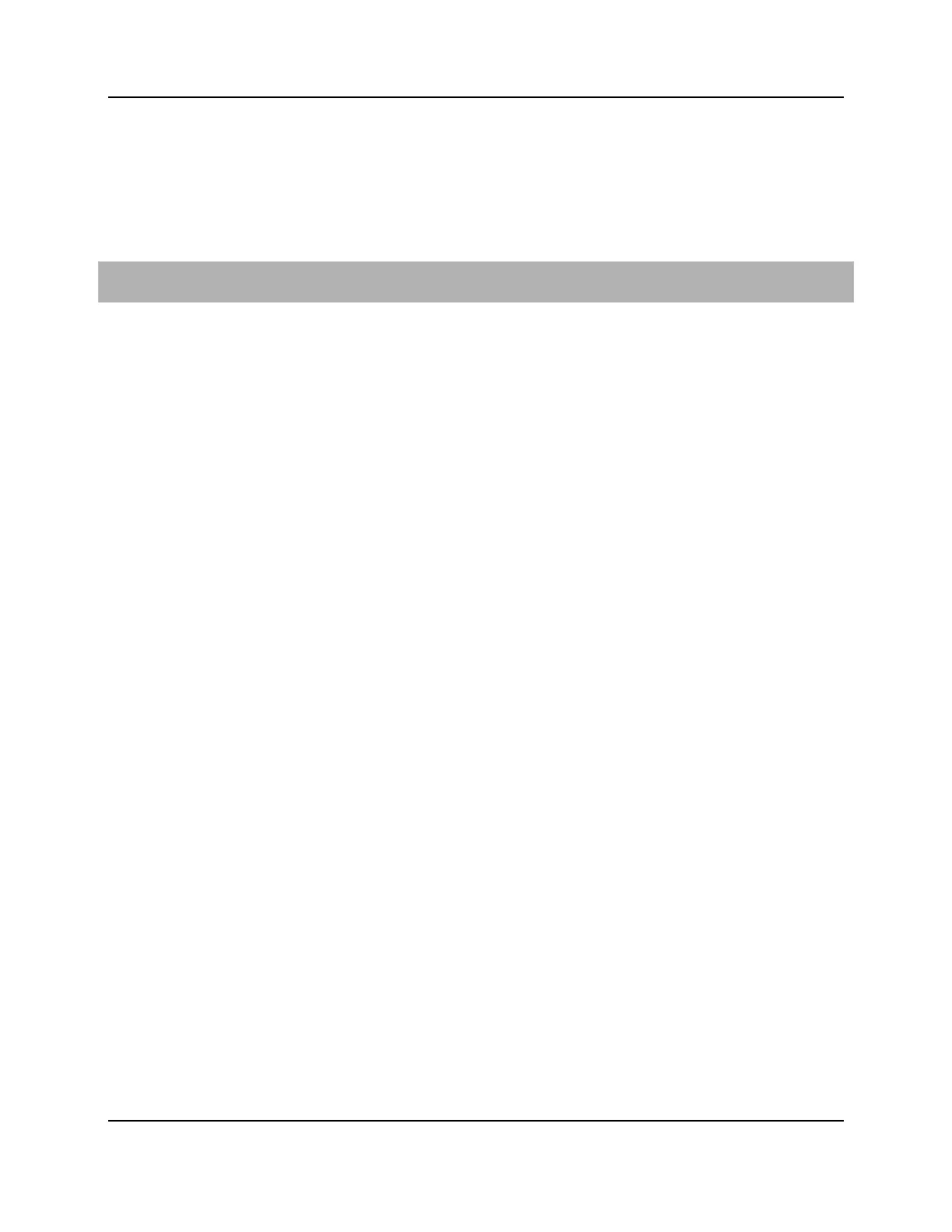
Connecting to the Internet - u4g
The method by which the GigaSpire BLAST u4g is deployed will impact the internet
connection. With power applied to the BLAST, perform the following steps based on the
role the device plays in the network.
Connecting to a residential gateway
If the unit is configured as a Residential Gateway, connect an Ethernet Cable to its WAN
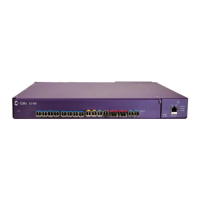
port from the WAN modem (ONU, cable modem, or DSL modem).
Additional Comments
Once your units LED turns BLUE, you are connected to the upstream WAN modem.
At start-up, Wi-Fi radios are defaulted to on.
To configure your BLAST device, connect an Ethernet cable between your PC and the
LAN port of your unit and enter the default IP Address of the device (192.168.1.1) into
your browser.
Wi-Fi radios can be configured using the default settings:
SSID: Printed on the product label in the gift box. (CXNKxxxxxxxx)
Number of radios: 2 (2.4 GHz and 5 GHz)
Wi-Fi Protocol supported: 802.11a/b/n/g/ac/ax
Credentials: Login and password printed on the product label in the gift box.



 To Next Page