HOW TO USE
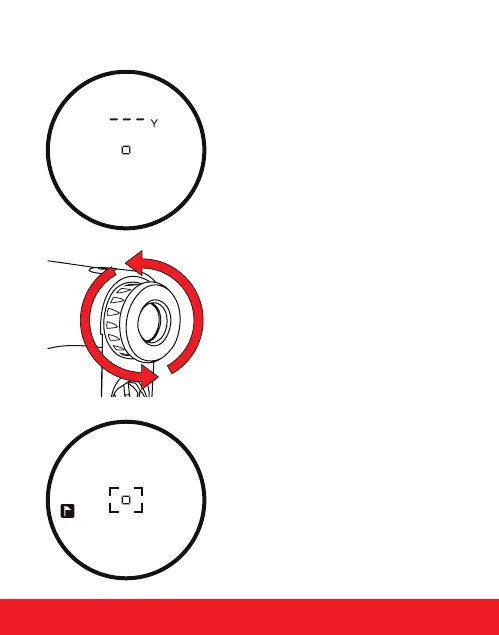
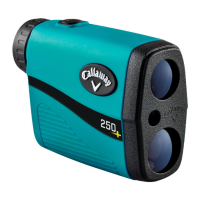
1. While looking through the Eye
Piece, PRESS and RELEASE the
Power Button. The rangender is
now powered on.
2. To focus/increase clarity, use the
Diopter Adjustment by turning
the Eye Piece.
3. Continue looking through the Eye
Piece, aim the Zero-In Aiming
Square at your intended target and
PRESS the Power Button. The laser
will re and the Laser Indicator
Box will appear around the Zero-In
Aiming Square. The measurement
will be displayed at the top of the
LCD display.
HOW TO USE 5
164Y


 To Next Page