MEASUREMENT MODES (continued)
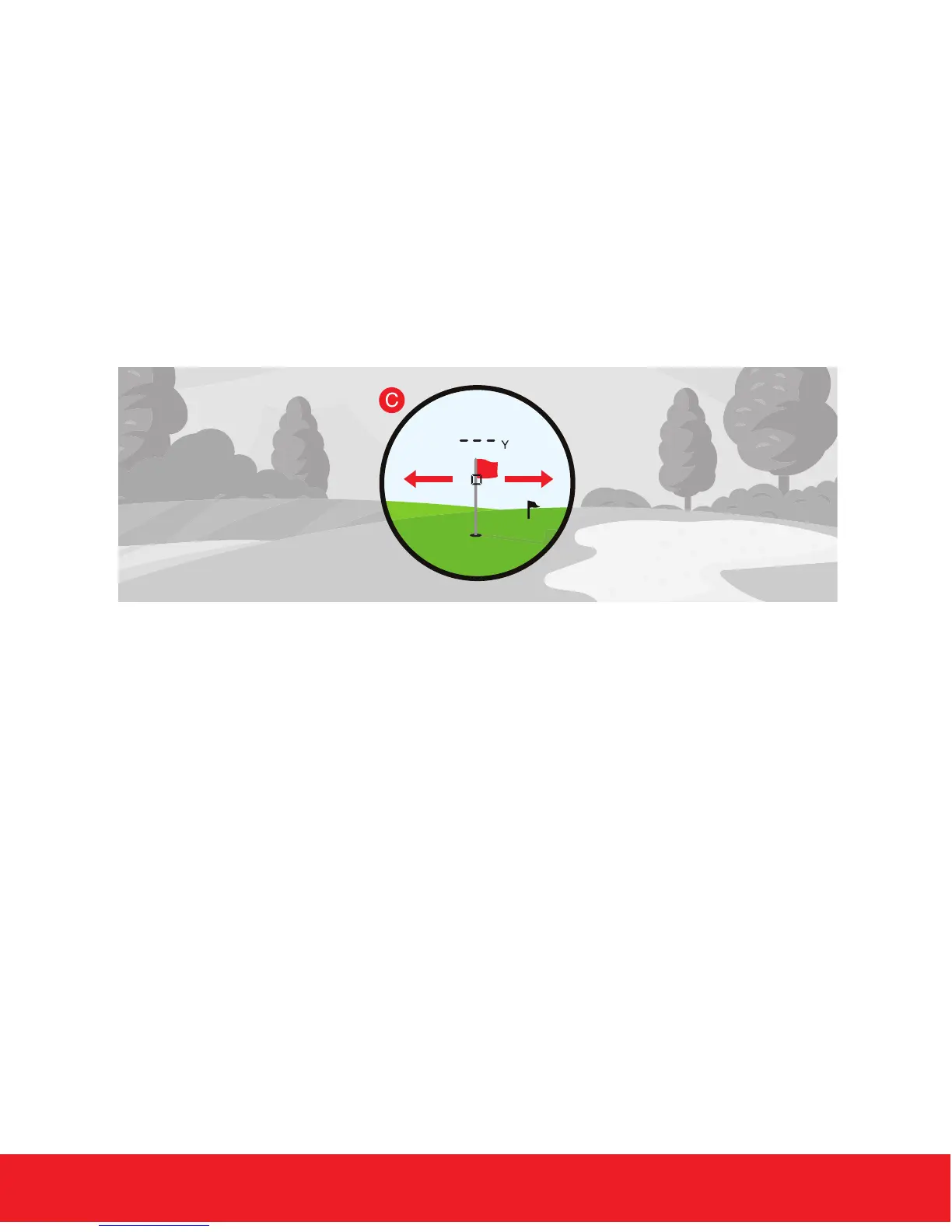
3. EZ Mode - This mode will continuously re the laser for 3 seconds
& the laser will lock on to the closest distance during the ring period.
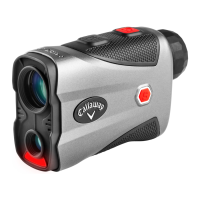
First, PRESS the Power Button once to power the unit on. Then
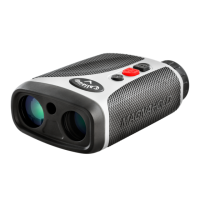
PRESS & RELEASE the Red EZ Button on top of the laser to start
the 3 second ring period. During this time, move the laser in a back
& forth motion across the agstick to easily lock onto the pin. (Fig. C)
NOTE: While scanning in EZ Mode, the measurement will only
change when a shorter distance is measured. This is useful when
measuring the distance to a agstick when there are trees or other
objects in the background.
HOW TO USE 7
4. Unit of Measure - To change the unit of measure from Yard to
Meters, rst power the laser on. Next, PRESS and HOLD the
Mode Button on top of the laser for 3 seconds. The unit of
measure is indicated by a “Y” or “M” shown directly to the right
of the distance on the internal and external LCD display.


 To Next Page