Unpacking/Installation
Instruction Manual, Oct-16 5
2 Unpacking/Installation
2.1 Unpacking
• Observe the environmental requirements (2.2 Installation environment)
when setting up the instrument
• Carefully unpack all components and accessories listed on the shipping list.
Make sure the shipment is complete
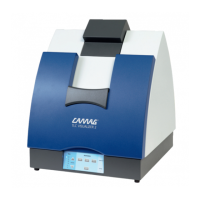
• Carefully remove the instrument from the package and place it on a table
•
Attention: Do not pull out the instrument by holding it at the blue sliding
gate; grab the instrument at the bottom when taking it out of the package
and carrying it around!
2.2 Installation environment
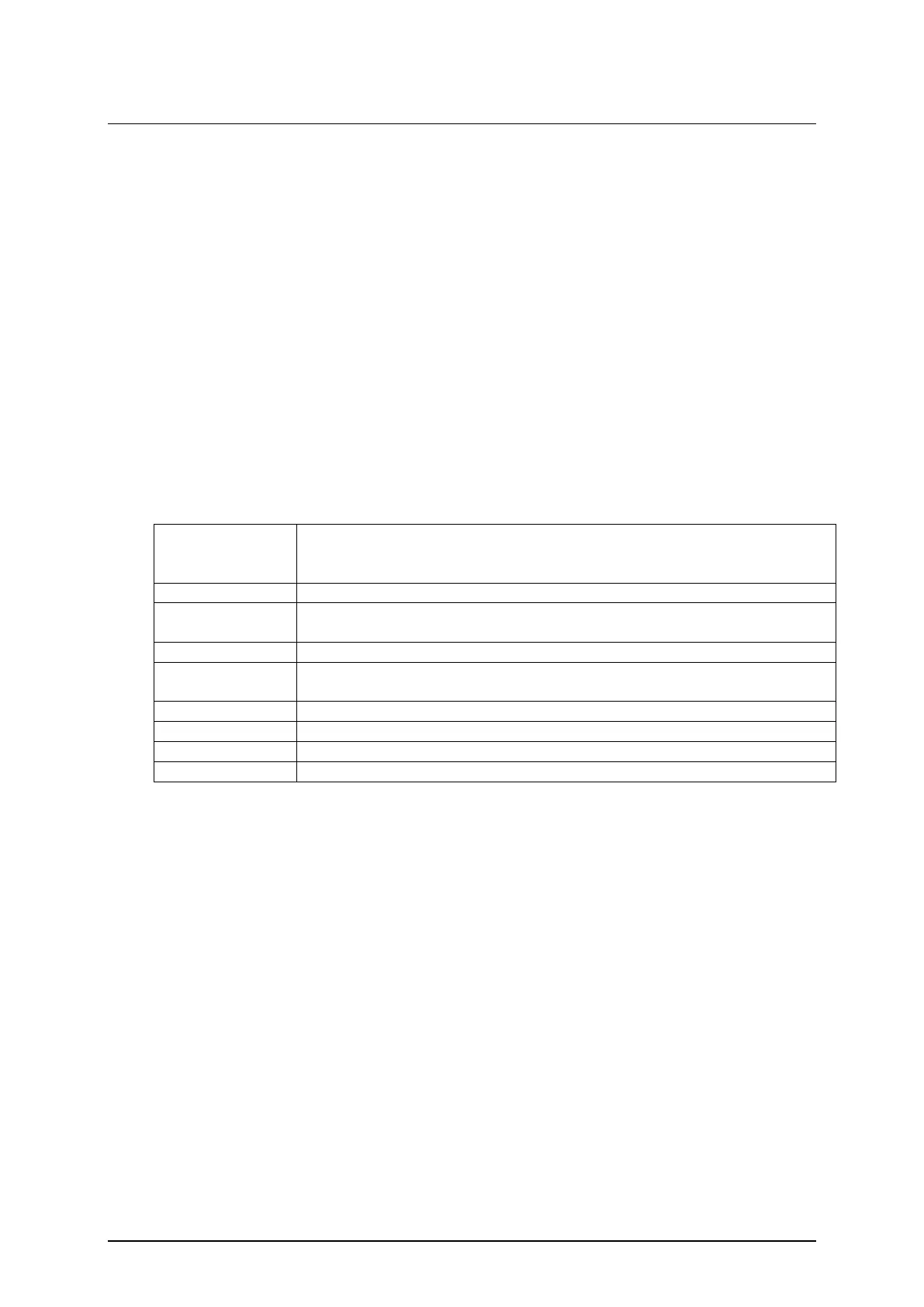
The place for installation must meet the following requirements:
Depth 60 cm (add adequate space for the connecting cables)
The temperature should be within a range of 15 to 35 degrees
centigrade
Humidity and temperature conditions must not cause condensation
Adequate ventilation free from acidic, alkaline or other gas that may
corrode metal or painted surfaces must be secured
100-240V (see rating plate on instrument)
50 W Illumination unit / 3.5 W Camera (USB 3)
A grounded outlet should be located within 2 meters of the instrument
Further requirements:
• Do not expose the instrument to any strong vibration or shock
• Avoid placing the instrument near equipment that radiates heat. Do not
place the instrument near gas burners, electric heaters or ovens
• Do not place the instrument near equipment that generates intense
magnetic fields such as electric welding equipment, high frequency
furnaces, pole transformers, etc.
• Protect the instrument from excessive dust
• Connect the instrument to power lines that are free from sudden changes
or voltage fluctuations
• If you must use power motor driven equipment (such as a stirrer or shaker)
in the same line as your instrument, ensure that a noise reduction unit is in
the same power line


 To Next Page