Unpacking/Installation
Instruction Manual, Oct-16 6
2.3 Connection
• Use the original supplied power cord for connecting the instrument to the
mains outlet
• Connect the serial cable to the instrument and to a free COM-port of the
PC
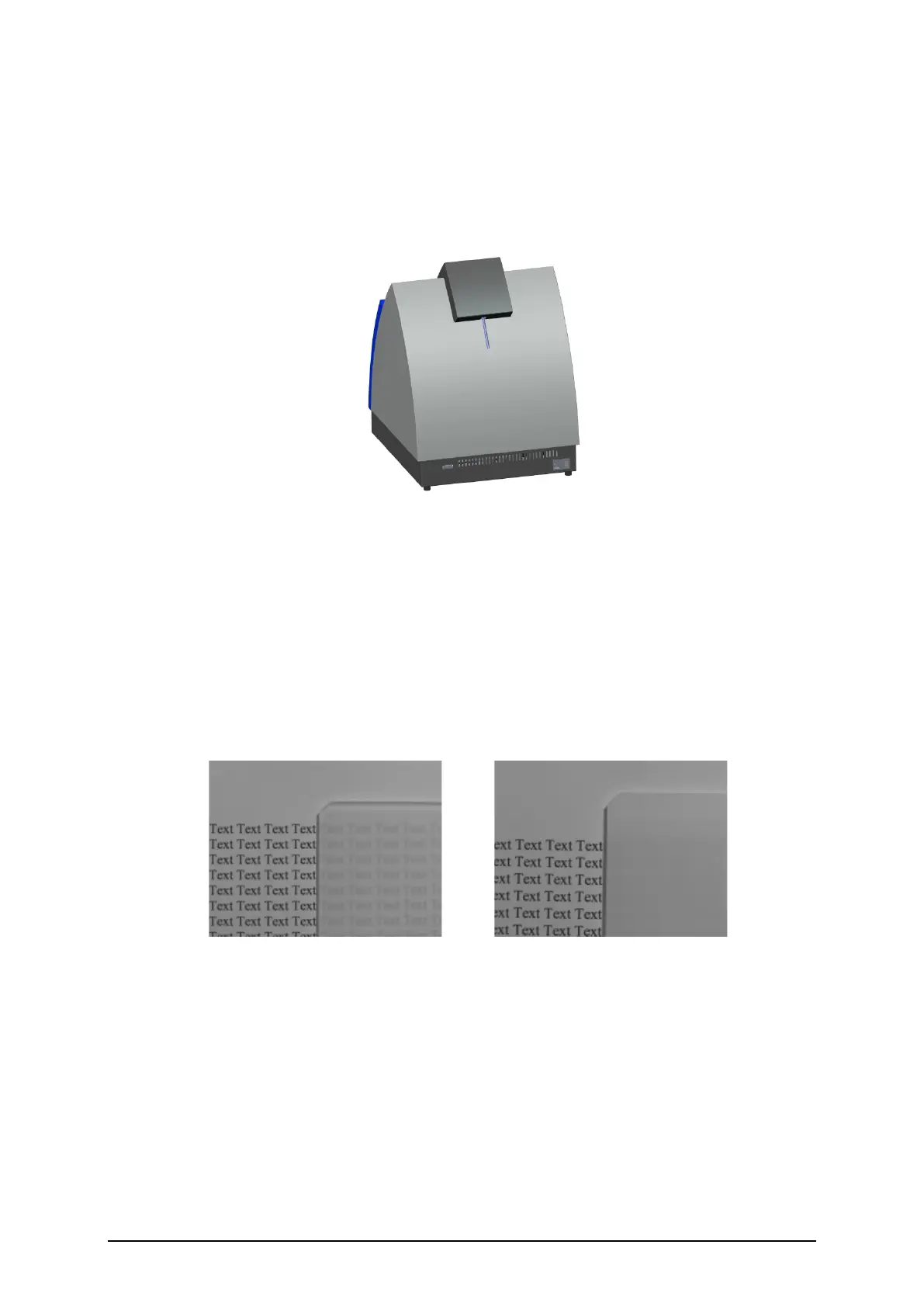
Fig. 1 Back view with serial connector (left) and mains connector (right)
2.4 Mount the opaque glass and L-shaped plate adjuster
• After unpacking the opaque glass plate insert it, opaque side down, into
the open frame inside of the CAMAG TLC Visualizer 2
How to identify the opaque side:
Hold the opaque glass over a piece of paper with printed text. The opaque side is
down if you can read the text.
Correct: Opaque side down Wrong: Opaque side up
• Insert the L-shaped plate positioner in one of the three possible positions
• To relocate the L-shaped plate positioner, lift it slightly and move it along
the guiding slots leading to one of the three different positions (Positions
are adjusted to the TLC/HPTLC plate size in use).
Make sure the cams have snapped into the desired position.


 To Next Page