Pag. 17 - FA01497M4A - 03/2021 - © CAME S.p.A. -
Changing the user code (806SL-0280 and 806SL-0290 selectors only)
1
From the keypad, press the (*) key followed
by (#).
2
Enter the user code to be changed followed by
the (#) key.
3
Enter the new user code (3-8 digits) followed
by the (#) key.
4
Confirm the new user code (3-8 digits) followed
by the (#) key.
A long beep will sound from the
selector to confirm.
If an incorrect code is entered,
the selector will emit 10 short
beeps.
TTo interrupt the procedure, press the (*) key and the selector will emit 3 short beeps;
alternatively, wait for 20 seconds.
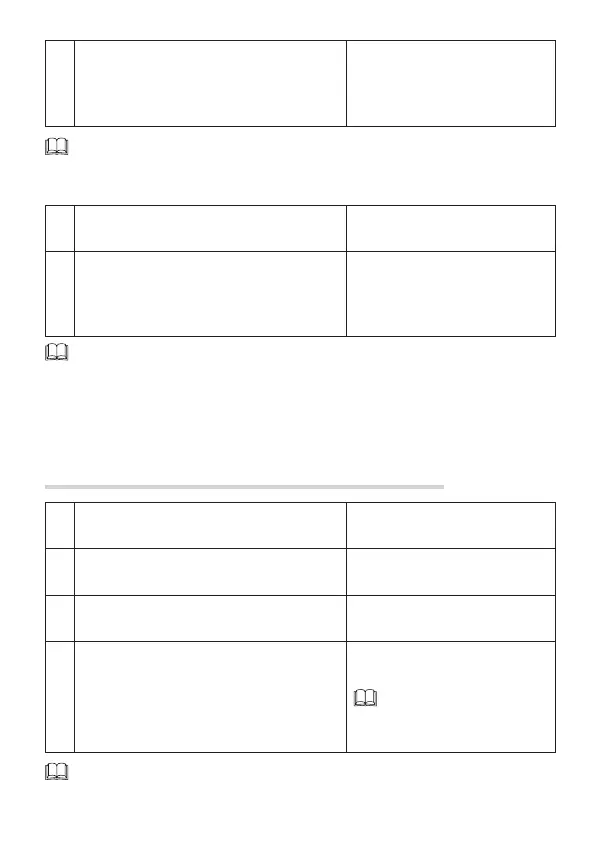
2
Press save key ❶to activate the monostable
function, save key ❷to activate the bistable
function or the delete all code key ❸(CLEAR)
to activate the hold-to-run function.
The LED will flash 5 times.
To stop the procedure, wait for 20 seconds. The LED will flash 3 times.
From the keypad selector
1
Enter the installer password and press the
following keys in sequence: (#), (4), (#).
2
Press key (1) to activate the monostable
function, key (2) for the bistable function or
(3) for the hold-to-run function followed by the
(#) key.
The selector will emit 3 short beeps
(monostable function) or a long
beep (bistable or hold-to-run
function).
To interrupt the procedure, press the (*) key and the selector will emit 3 short beeps;
alternatively, wait for 20 seconds.


 To Next Page
 Loading...