Need help?
Do you have a question about the CAME 8K06SL-007 and is the answer not in the manual?
Guidelines for waste management and recycling of product components and packaging materials.
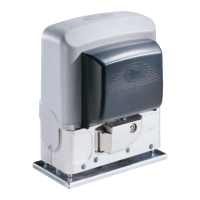
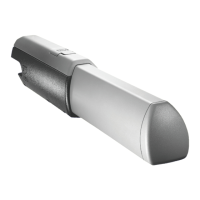
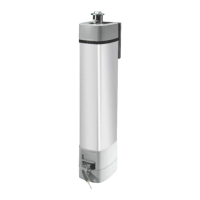
Details the product's function and lists its physical parts as shown in Diagram A.
Provides product size specifications (Diagram B) and mounting instructions (Diagram C).
Explains how to connect the device according to Diagram D, including cable specifications.
Lists key technical data such as power supply, protection rating, and operating temperature.
Step-by-step guide to modify the default installer password via the keypad selector.
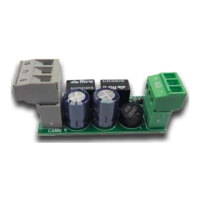
Procedure for saving user codes for OUT1/OUT2 using the S0002P card, noting LED feedback.
Instructions for saving user codes for OUT1/OUT2 using the keypad selector, including password entry.
Procedures for removing individual or all user codes via the keypad selector.
Instructions to modify the function of OUT2 (e.g., monostable) using the S0002P card.
Instructions to modify the function of OUT2 (e.g., monostable) using the keypad selector.
Steps to modify an existing user code for specific keypad selector models (806SL-0280/0290).
Procedures for backing up user data between the S0002P card and the expansion board.
Process to reset all users, installer password, and default OUT2 function.
Describes system interaction via selectors and error feedback mechanisms.
 General
| Model | 8K06SL-007 |
|---|---|
| Power Supply | 230V AC |
| Max Gate Weight | 600 kg |
| Max Gate Length | 6 m |
| Operating Temperature | -20°C to +55°C |
| Maximum Leaf Length | 6 m |
| Maximum Opening Angle | 120° |
| Maximum Gate Width | 6 m |
| Protection Rating | IP44 |
| Operating Temperature Max | +55°C |
| Type | Gate Opener |
| Control Type | Remote Control |

 To Next Page