Need help?
Do you have a question about the CAME BKS22AGS and is the answer not in the manual?
Introduction to CAME sliding-gate operators and essential safety precautions for installers and users.
Detailed safety instructions, compliance requirements, and installation best practices for installers.
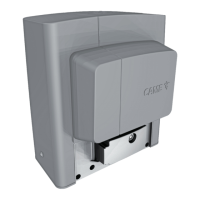
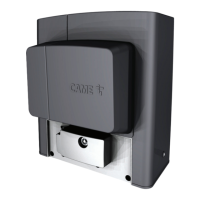
Details product specifications, intended use, key components, and dimensions.
Provides physical dimensions, gate limitations, and technical data for the operators.
Presents detailed technical specifications, operating parameters, and required fuse ratings.
Details operating cycles per hour, consecutive cycles, and provides graphical analysis of performance.
Covers preliminary operations, digging, and laying the anchoring plate for operator installation.
Details mounting the operator, fastening the rack, adjusting the pinion, and setting limit switches.
Guides on cable routing, power supply, accessory power, and integrating safety devices.
Explains connections for control devices and the initial steps for system operation.
Explains button functions and core programming features for system setup.
Covers advanced programming, user setup, error codes, and system initialization.
Lists troubleshooting error codes and describes final checks and operations.
Details setting up two connected operators for synchronized control.
 General
| Model | BKS22AGS |
|---|---|
| Type | Sliding Gate Opener |
| Power Supply | 230 V AC |
| Motor Voltage | 24 V DC |
| Max Gate Weight | 400 kg |
| Operating Temperature | -20°C to +55°C |
| Protection Rating | IP44 |


 To Next Page