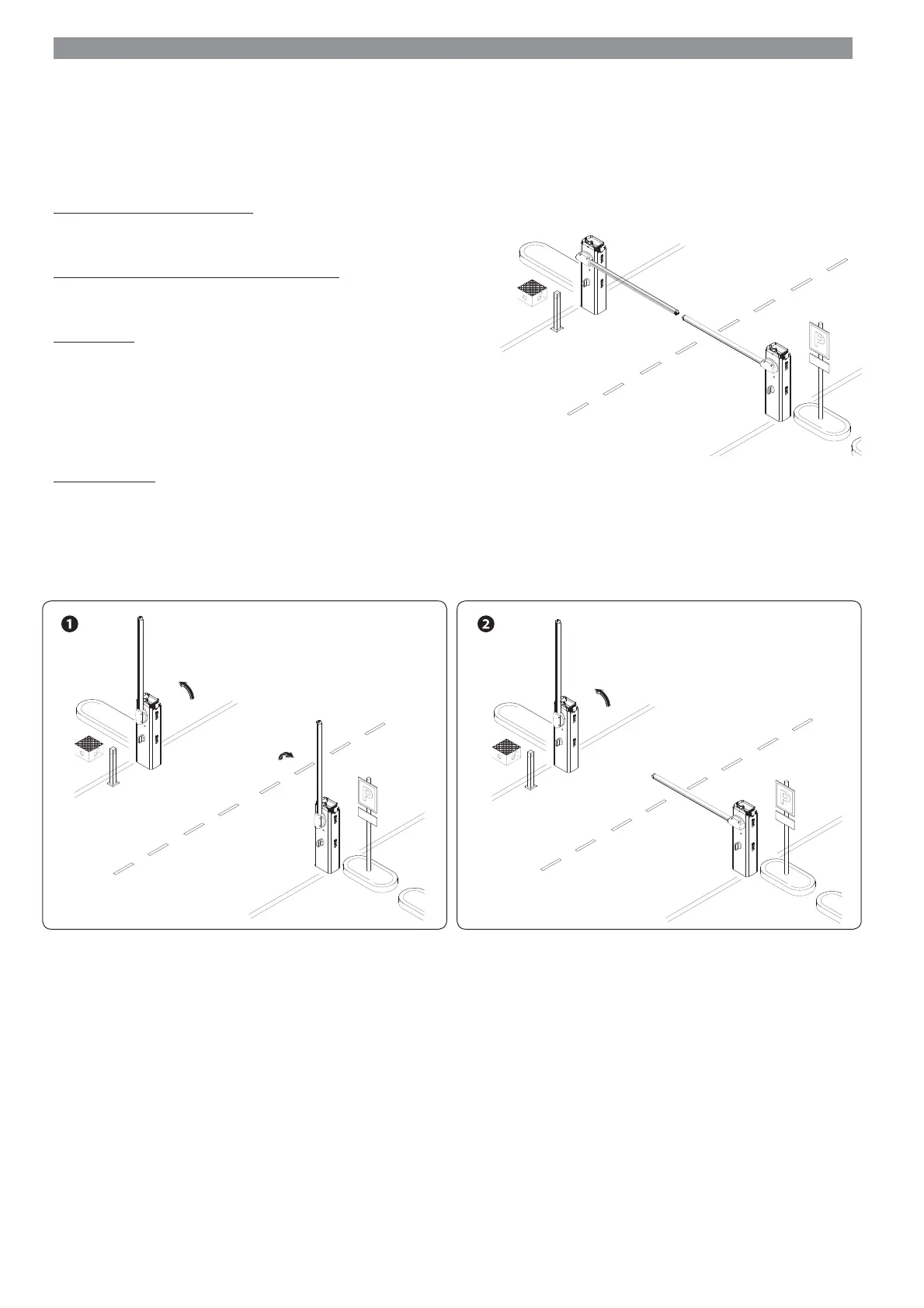
MASTER
SLAVE
MASTER
SLAVE
MASTER
SLAVE
p.
26 - Manual code: FA0 0132
-EN v.
2 08/2016 © CAME Cancelli Automatici S.p.A. -The data and information in this manual may be changed at any time and without notice.
PAIRED CONNECTION
Important! Start by doing the following to both operators:
- fi t the RSE card (with DIP switches sent to OFF) onto the control panel connector of both barriers.
Connect the two control panels with a CAT 5 type cable (maximum 1,000 m) to terminals A-A / B-B / GND-GND / read the CONNECTIONS FOR
PAIRED OR ALTERNATE OPERATION paragraph.
Connect all of the control and safety devices to the MASTER control panel.
Important! Deactivate function F 19 (automatic closing time) on the SLAVE barrier's control panel.
Confi guring the MASTER operator
Select function F 49. Press ENTER to confi rm.
Select 1 (paired) and press ENTER.
Transferring parameters from MASTER to SLAVE
Select function F 52 on the MASTER control panel.
Select 1 and press ENTER.
Programming
On both barriers, set the following functions:
- setting the type of motor (A1);
- opening direction (F54);
- total stop (F1);
- travel calibration (A3).
Carry out any settings and adjustments on the MASTER control panel.
Operating modes
STEP-STEP or OPEN ONLY command. Both booms open.
PARTIAL OPENING/PEDESTRIAN command. Only the MASTER barrier opens.
For the types of command that can be selected and matched to users, see the ENTERING USERS WITH ASSOCIATED COMMANDS.


 To Next Page