110
Using a Memory Card
Recording Still Images on a Memory Card While Recording
Movies on a Tape
You can record still images on a memory card by pressing the PHOTO button while
you are recording a movie on the tape.
❍ The size of the still image will be 640 × 480.
❍ You can use the full zoom range (16× optical zoom and 64×/320× digital
zoom).
❍ The quality of the still image is slightly lower than a still image recorded in
CARD CAMERA mode.
❍ Card mix cannot be used when [PHOTO REC] is set to [CARD ].
❍ The still image cannot be recorded on a memory card when a fader, effect or
the multi-image screen is activated.
❍ The beep does not sound when you press the PHOTO button while recording a
movie on the tape.
1. Set the camcorder to CAMERA mode.
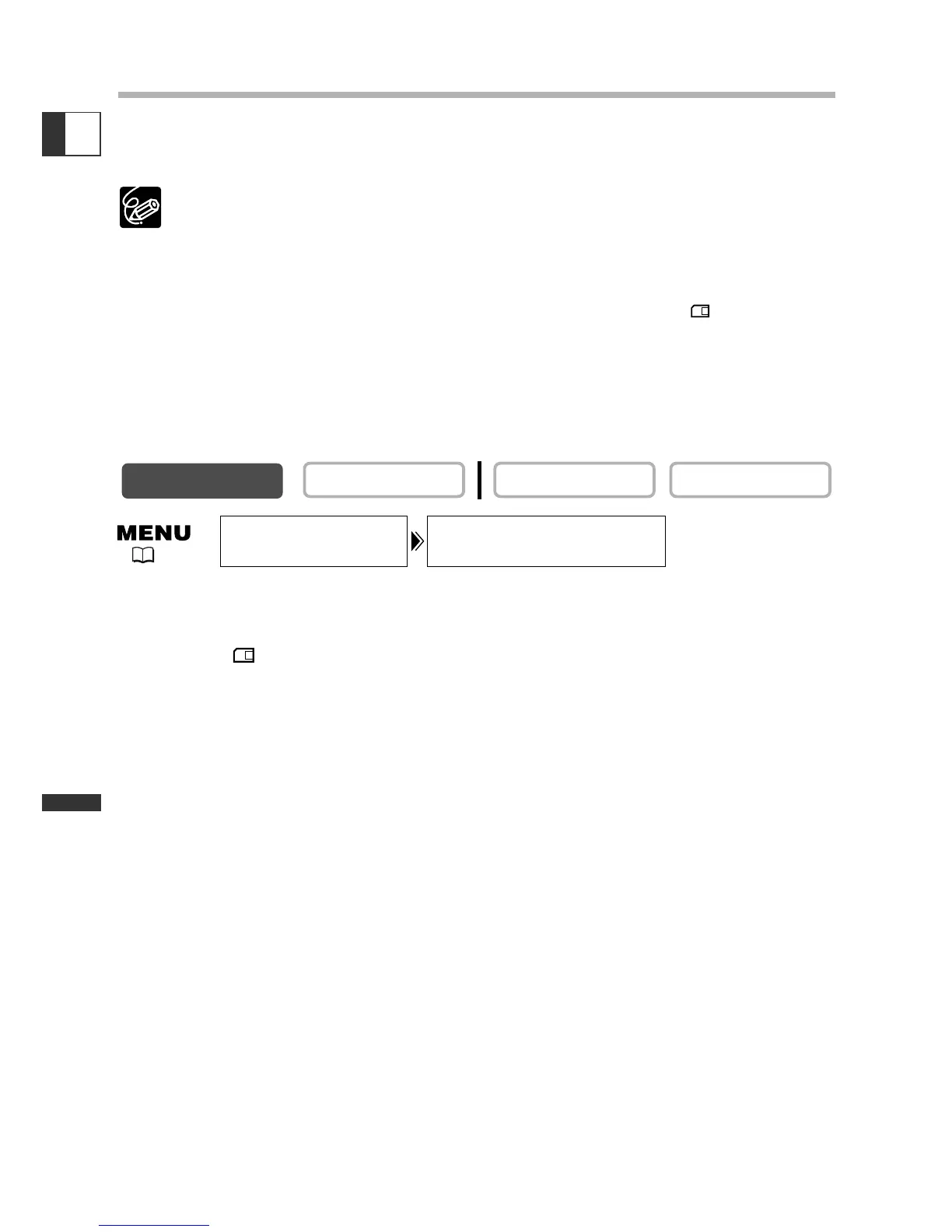
2. Open the menu and select [CAMERA SET UP]. Select [PHOTO REC], set it
to [CARD ] and close the menu.
3. While you are recording a movie, press the PHOTO button.
The image shown on the screen will be recorded on the memory card.


 To Next Page