83
Using the Full Range
of Features
E
Magnifying the Image
The playback image can be magnified up to 5 times.
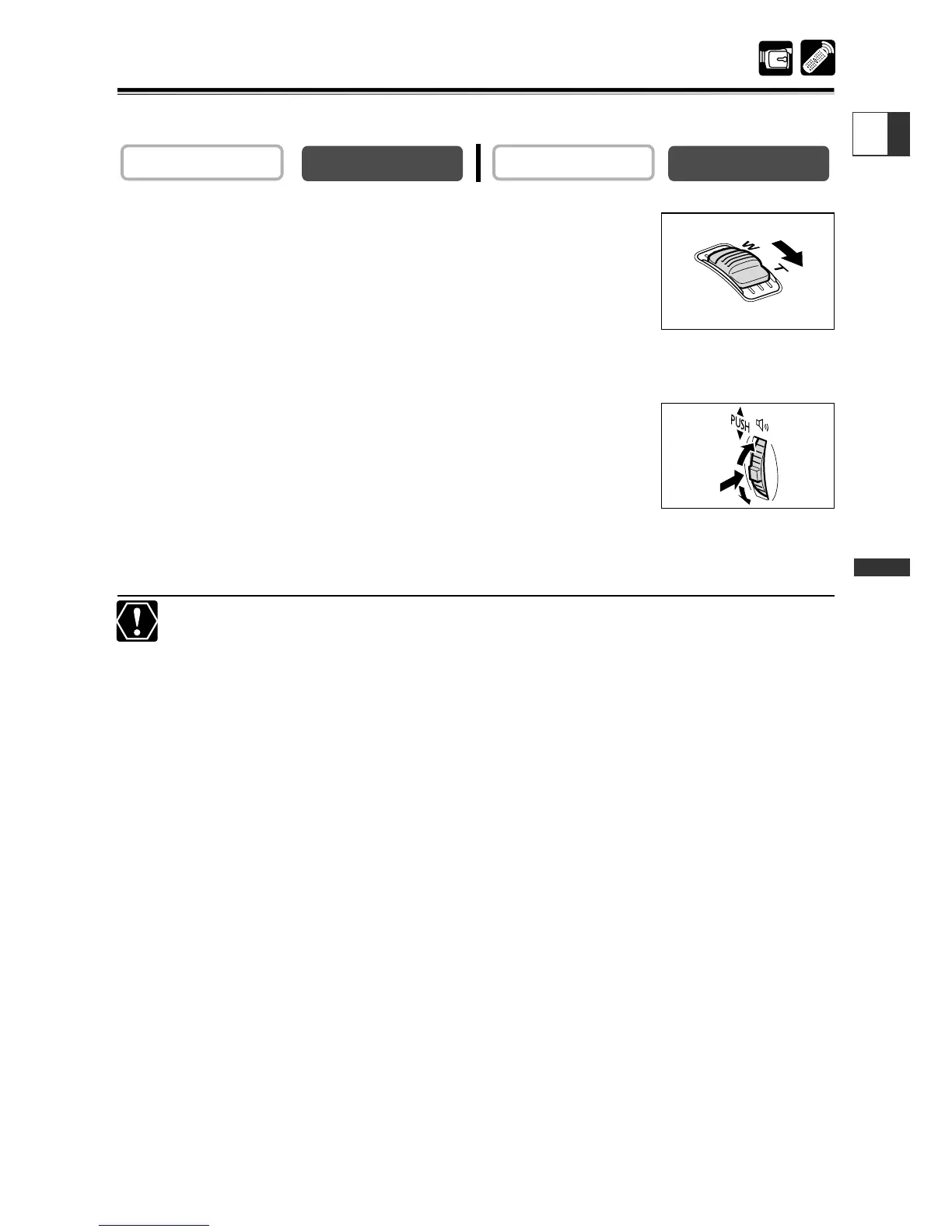
1. Move the zoom lever toward T.
• The image is magnified by 2 times.
•To further enlarge the image, move the zoom lever toward T.
To shrink the image below 2 times magnification, move the
zoom lever toward W.
•A frame appears indicating the position of the enlarged part.
2. Move the image.
•Turn the selector dial to move the image to the right and left,
or up and down. Pressing the selector dial switches between
the directions.
•To cancel the magnification, move the zoom lever toward W until the frame
disappears.
Movies played back from a memory card cannot be magnified.


 To Next Page