8.
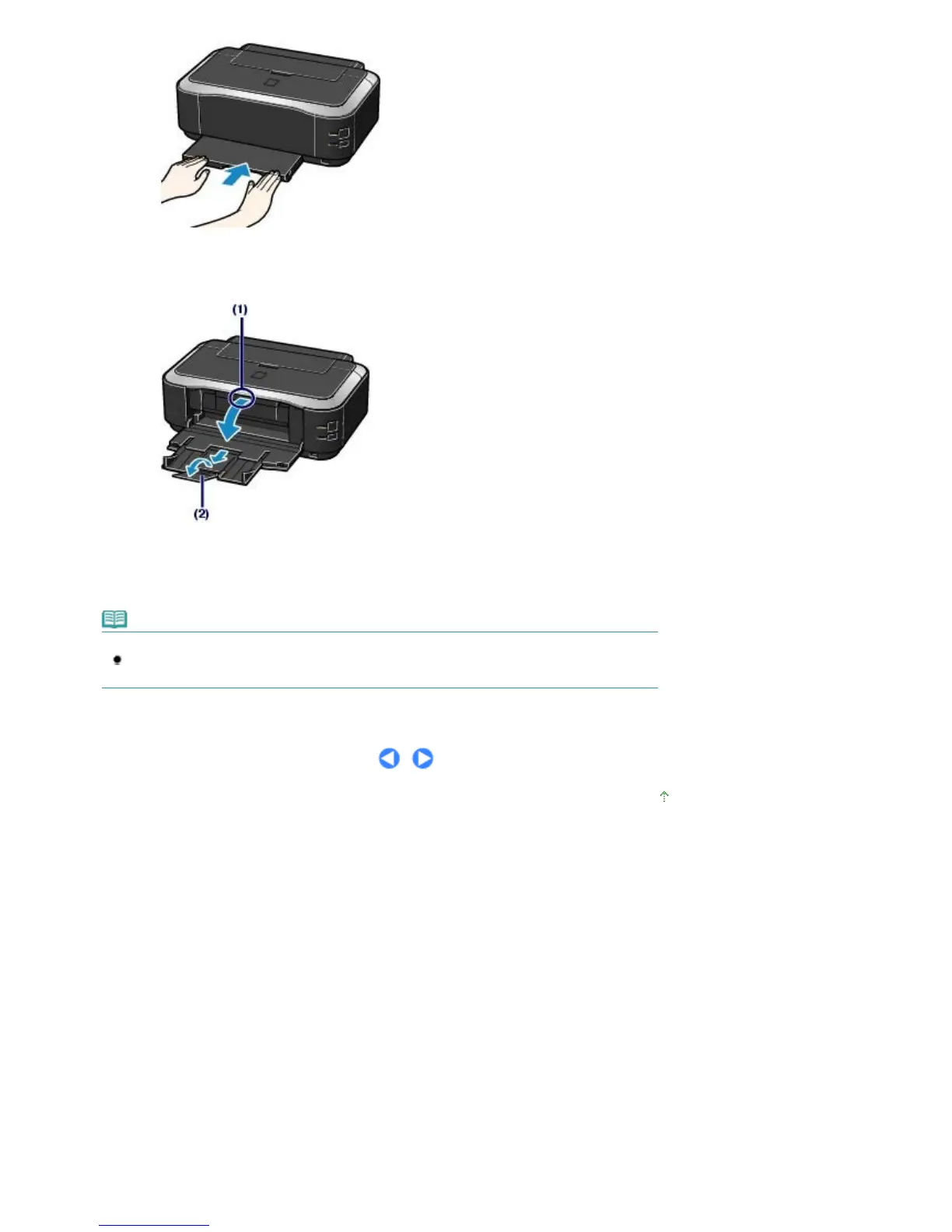
Open the Paper Output Tray.
(1)
Put your finger in the center of the top of the Paper Output Tray and open it
gently.
(2)
Extend to open the Output Tray Extension.
Note
After Loading Paper
Select the size and type of the loaded paper in Page Size (or Paper Size) and Media Type in the
printer driver. See Printing Documents (Windows)
or
Printing Documents (Macintosh)
.
Page top
Стр. 33 из 396 стр.Loading Paper













 To Next Page