If irritation or discomfort occurs, obtain medical advice immediately.
In case ink gets in contact with eyes, rinse with water
immediately.
In case ink gets in contact with skin, wash with soap and
water immediately.
If irritation to eyes or skin persists, obtain medical advice immediately.
Do not shake Print Heads or ink tanks.
Ink may spill out and stain clothing or the surrounding area.
Never touch the electrical contacts on
a Print Head after printing.
The metal parts may be very hot and could
cause burns.
Do not throw ink tanks into fire.
Do not attempt to disassemble or modify the Print Head and
ink tanks.
Do not handle the Print Head and ink tanks roughly such as
applying them excessive pressure or dropping them.
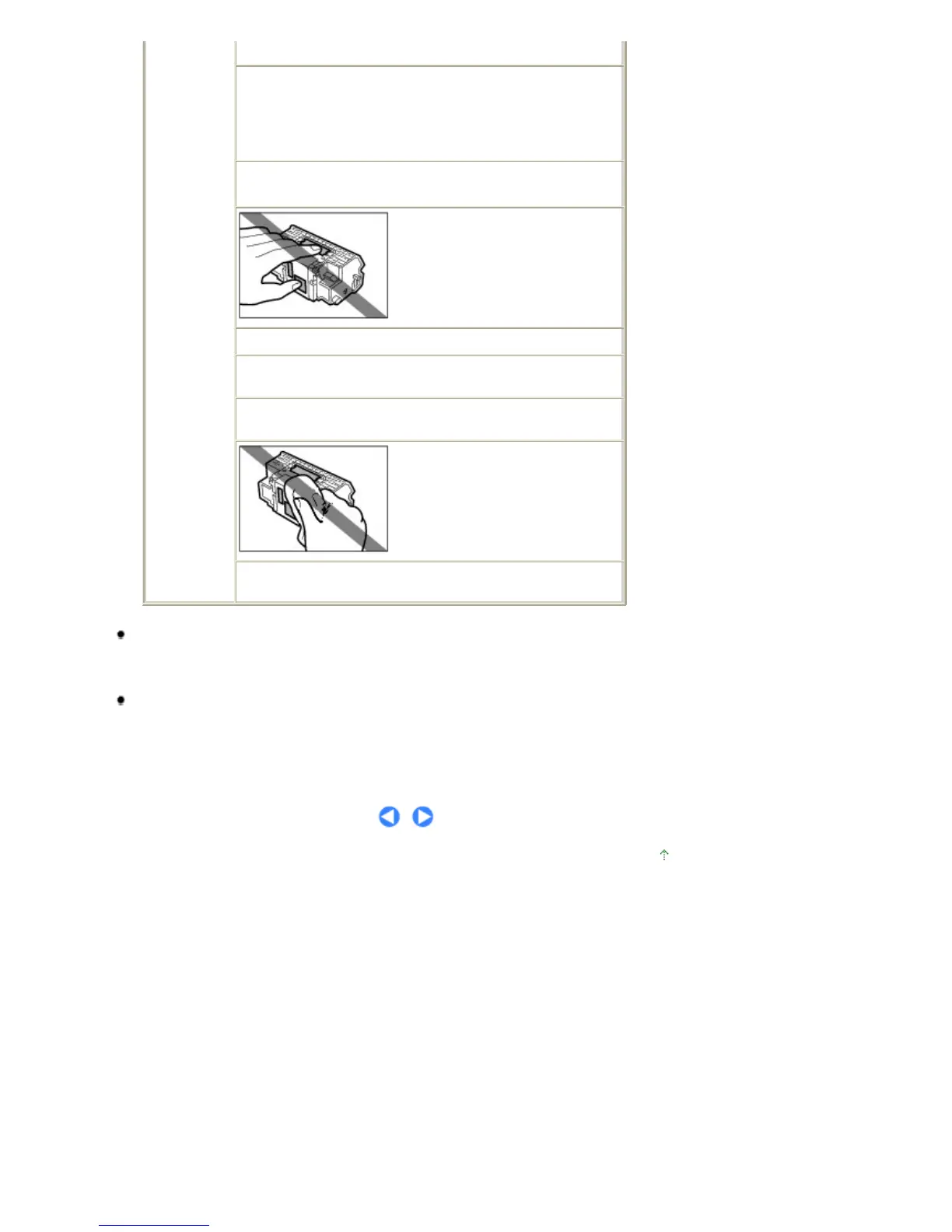
Do not rinse or wipe the Print Head
and ink tanks.
Once you have installed the Print Head and ink tanks, do not
remove them unnecessarily.
Note when you place the printer near other electrical appliances such as fluorescent lamps
Place the printer at least 5.91 inches / 15 cm away from other electrical appliances such as
fluorescent lamps. If the printer is placed closer to those, it may not be able to work properly due to
fluorescent noises.
When you turn off the power
When you turn off the power, always press the
Power
button and be sure that the
Power lamp (in
green) has gone out. If you disconnect the power plug from the power outlet when the
Power lamp
lights or flashes, the Print Head cannot be protected and you may not be able to print later.
Page top
Стр. 72 из 396 стр.Safety Precautions













 To Next Page