7.
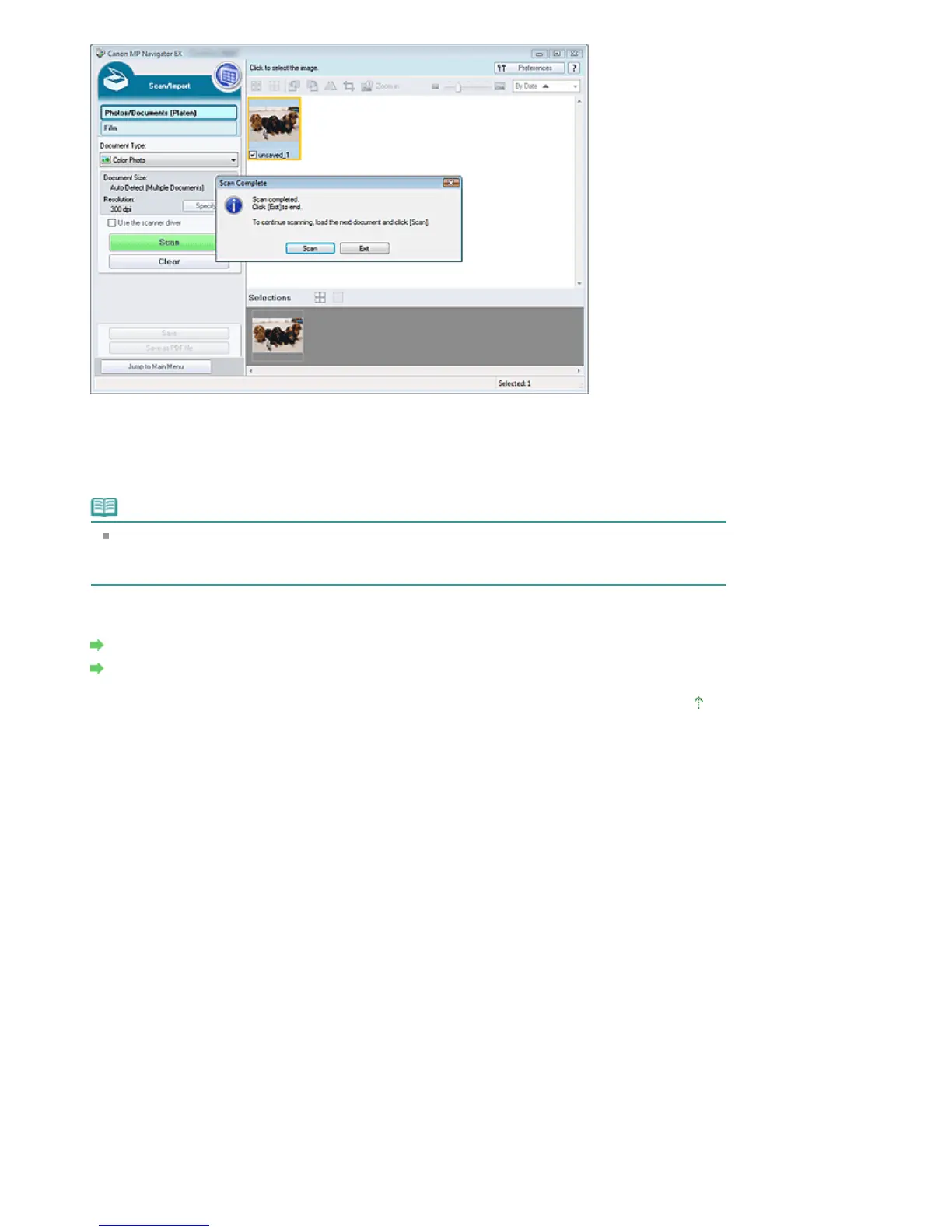
Edit the scanned images as required.
Use Edit Tools to rotate images, select a part of an image, etc.
See the Edit Tools in "Photos/Documents (Platen) Screen (Scan/Import Window) " for details.
Note
First select images to edit. (Selected images are outlined in orange.) Drag the mouse or use
Shift + arrow keys to select multiple images. You can also select images by dragging and
dropping them into the Selected Images area.
8.
Save the scanned images.
Saving
Saving as PDF Files
Page top
Page 34 of 334 pagesScanning Photos and Documents







 To Next Page