Note
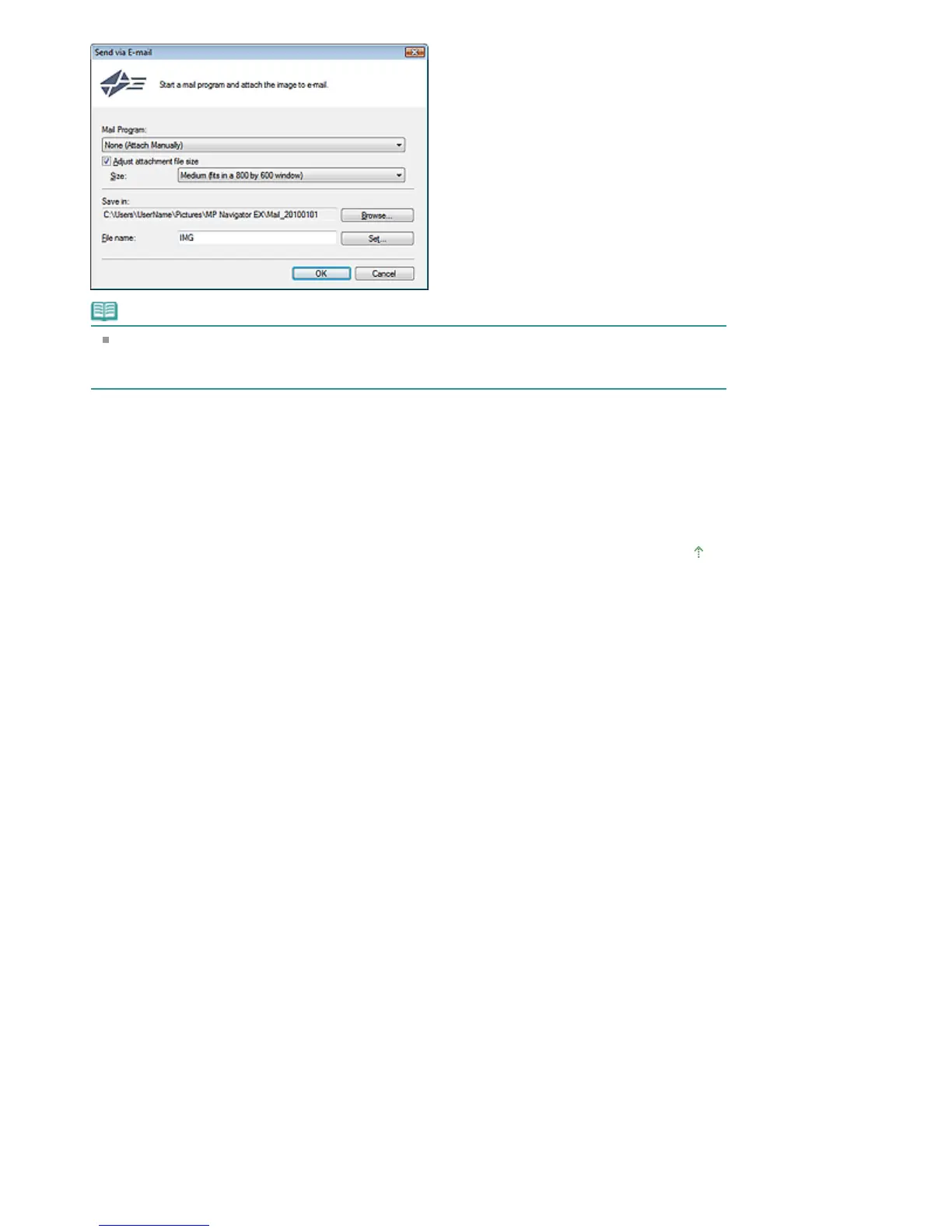
You can select a compression type when sending JPEG images via e-mail. Click Set... to open
a dialog box and select a compression type from High(Low Compression), Standard or
Low(High Compression).
4.
Click OK.
Files are saved according to the settings, and the e-mail software program starts.
5.
Specify the recipient, enter the subject and message, then send e-mail.
For details, refer to the manual of the e-mail software program.
Page top
Page 79 of 334 pagesSending via E-mail







 To Next Page