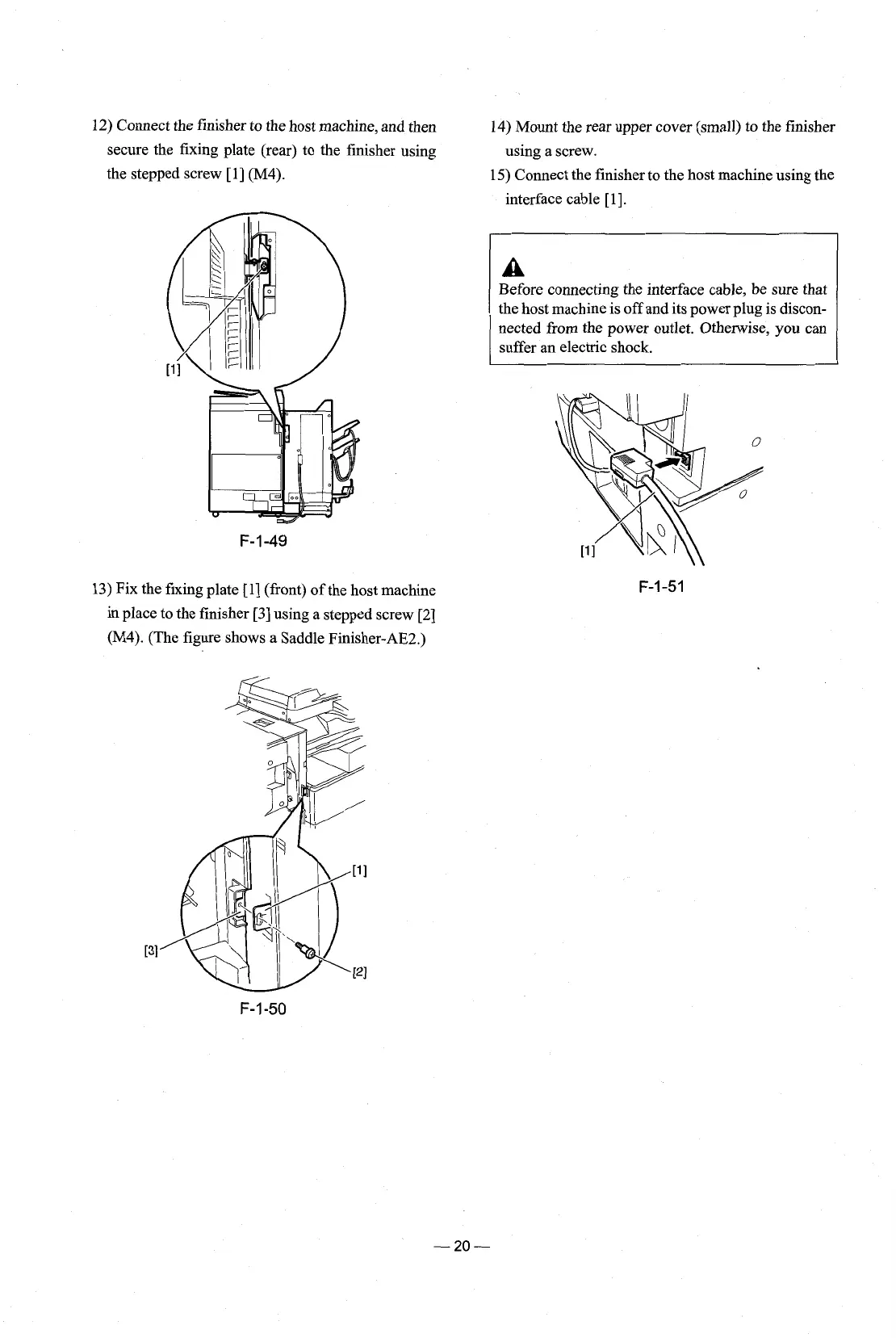
12) Connect the finisher to the host machine, and then
secure the fixing plate (rear) to the finisher using
the stepped screw
[l] (M4).
13) Fix the fixing plate [l] (front) of the host machine
in place to the finisher [3] using a stepped screw [2]
(M4).
(The figure shows a Saddle Finisher-AE2.)
14) Mount the rear upper cover (small) to the finisher
using a screw.
15) Connect the finisher to the host machine using the
interface cable
[I].
A
Before connecting the interface cable, be sure that
the host machine is off and its power plug is discon-
nected from the power outlet. Otherwise, you can
suffer an electric shock.











 To Next Page