3.2.4 Service Data Setting Method
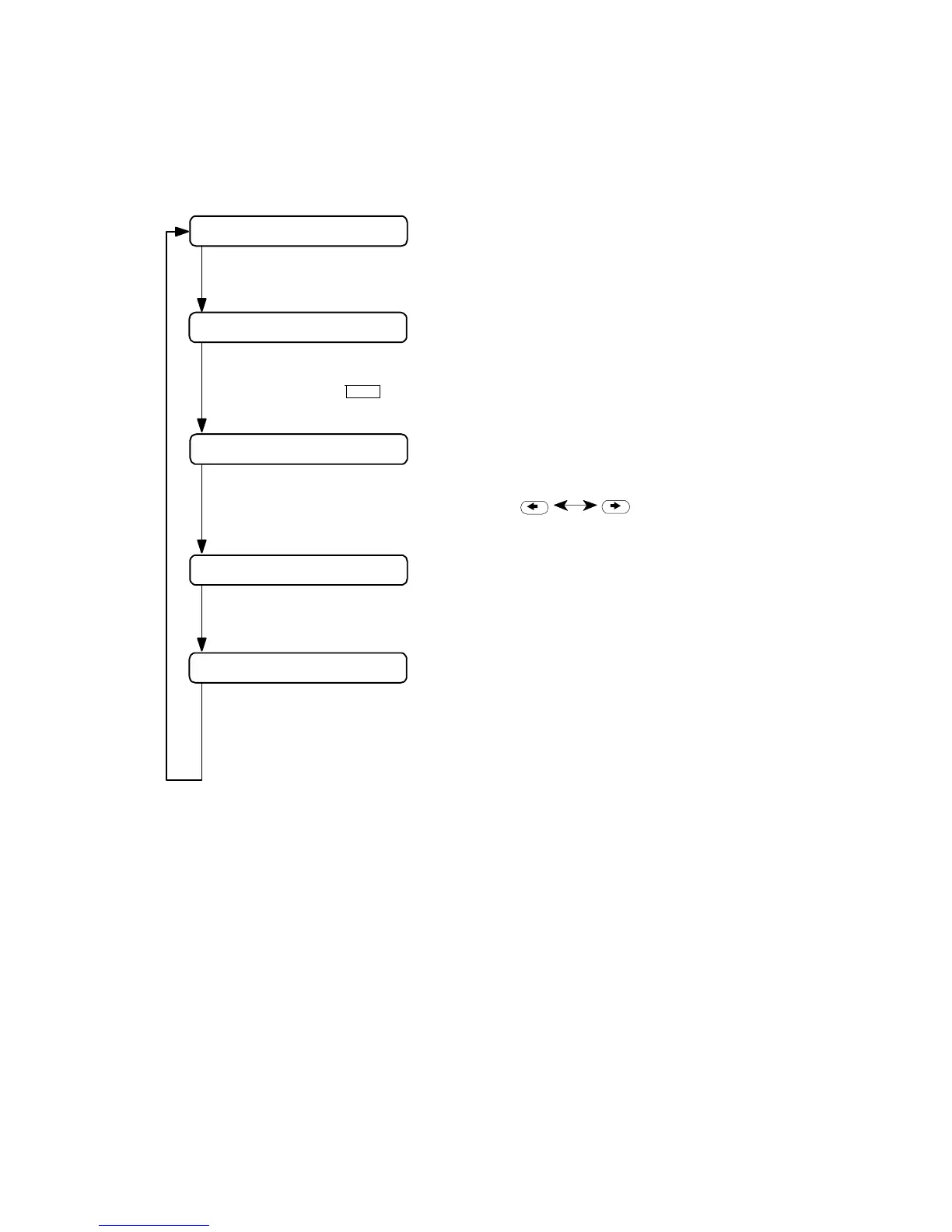
Please follow the procedures below to set/register service data.
DATA REGSTRATION
Standby (date and Receive mode display)
03/26 TEL/FAX
#1 SSSW
#3 NUMERIC Param
Press the Start/Copy button
01: 0
Press the STOP button to retun to standby
Input the data and press the Set buttom
Data registration
Press the
Service data mode selection
User data mode selection
Press the Function button.
Menu item selection
# button.
Select the menu item by pressing the button.
Figure 1-4 Service Data Registration/Setting
*Precautions when registering/setting service data
We cannot guarantee the integrity of any reception of transmission operations
during the registration process. Detach the telephone line before registering service data.
1-22



 To Next Page