3.4.5 DRAM test
In the test mode menu, press numeric button ‘1’ and select the DRAM test mode. DRAM test 1
writes and reads data into and from all areas of the DRAM and checks that the operation is normal.
DRAM test 2 performs data read only, at high speed.
In the event of an error, replace the SCNT board.
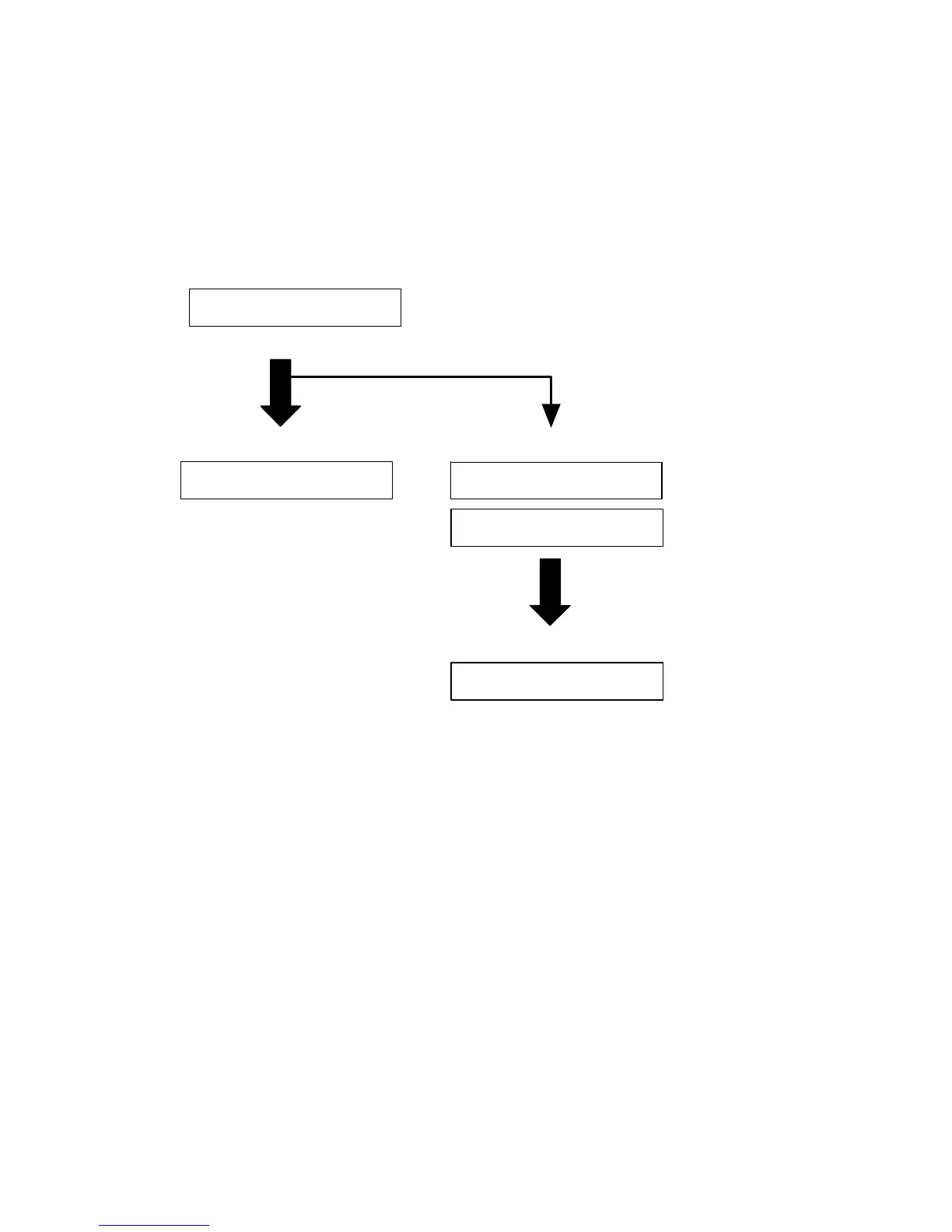
DRAM TEST
0C30000
DRAM COMPLTE
0C30000: sector being checked
Testing



 To Next Page