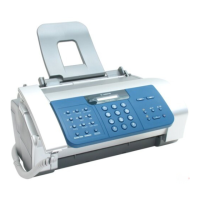
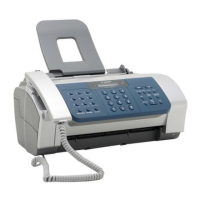
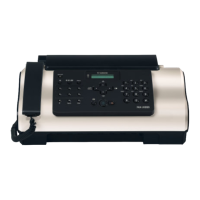
a-2) Control panel button test
In this test, the operator presses the button that corresponds to the displayed character.
When the button is pressed, the character disappears.
The table of characters and buttons is as shown below.
Check that all of the characters disappear when the appropriate buttons are pressed.
Character Button Character Button
1 1(Numeric button) M Reception mode button
2 2(Numeric button) R Resolution button
3 3(Numeric button) F Function button
4 4(Numeric button) L Í (L button)
5 5(Numeric button) R Î (R button)
6 6(Numeric button) T TAM
7 7(Numeric button) D DEL button
8 8(Numeric button) R1 REC button
9 9(Numeric button) P PLAY
* *(Numeric button) R2 Redial button
0 0(Numeric button) V U Can Talk
# #(Numeric button) C Speed dial
a 01(Once touch dial button) O Hook
b 02(Once touch dial button) S Start/Copy button
c 03(Once touch dial button)
d 04(Once touch dial button)
e 05(Once touch dial button)
f 06(Once touch dial button)
g 07(Once touch dial button)
h 08(Once touch dial button)
I 09(Once touch dial button)
1-43



 To Next Page