70
imagePRESS C850/C750/C650/C65
70
4
Click [OK] → [OK]�
•
Print a test sheet to check the finished result� If you are satisfied with the result, you can print the job�
Another Remedy
If you are using the imagePRESS Server F200, Adobe PDF Print Engine is also available for direct printing of
PDF files without using a printer driver� You can avoid many problems by using an Adobe PDF Print Engine,
which does not convert data to PostScript so transparent objects are not flattened during printing�
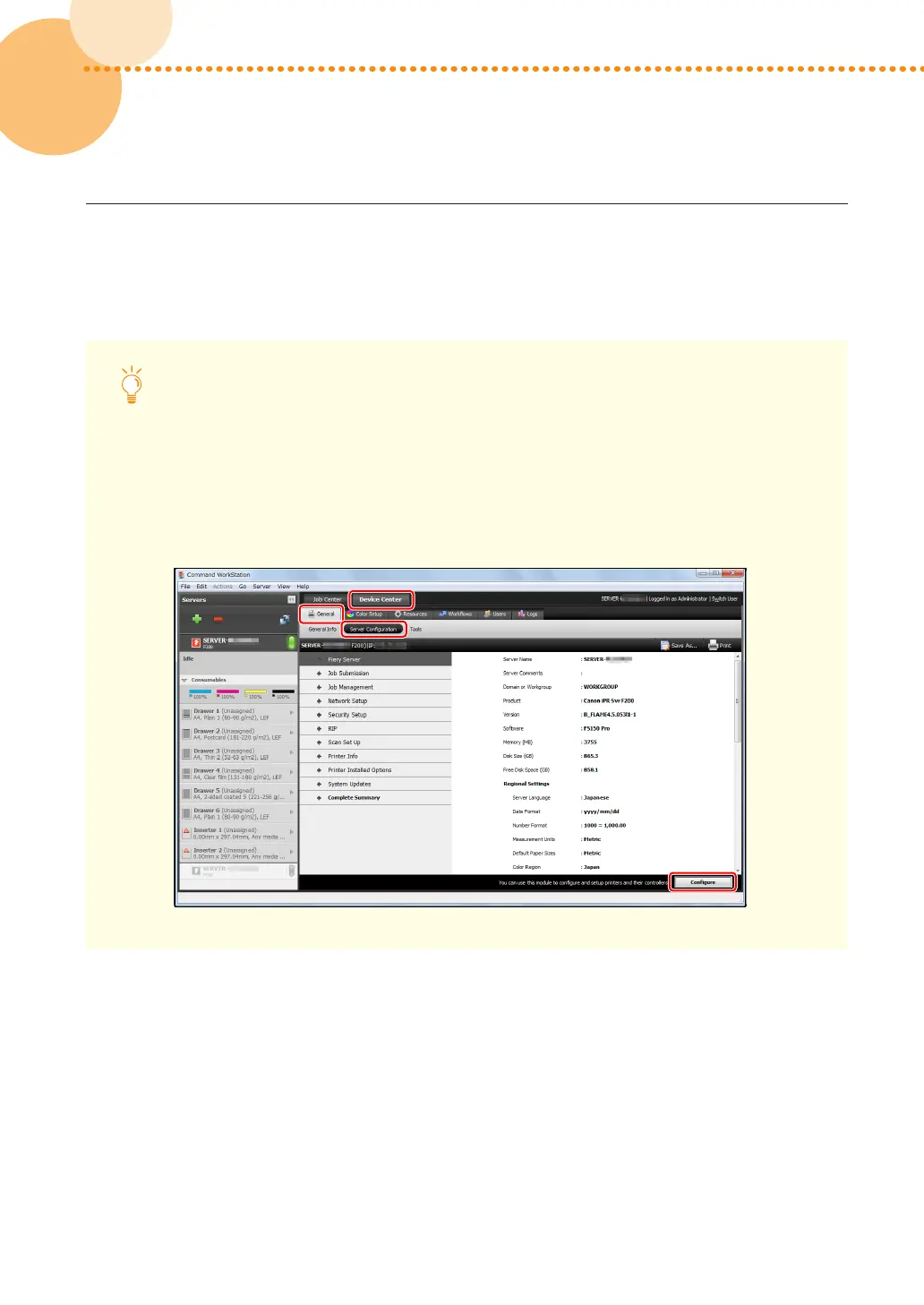
1 Click the [Device Center] tab in Command WorkStation → [General] → [Server Configuration] →
[Configure]�


 To Next Page
 Loading...