EasyManua.ls Logo

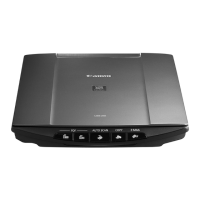
Canon CANOSCAN N1220U - User Manual

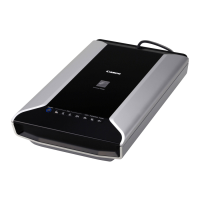
Canon CANOSCAN N1220U
110 pages
Print Icon
To Next Page IconTo Next Page
Loading...
COPYRIGHT 2000 CANON INC. CANOSCAN N650U/N656U/N1220U REV.0 JUNE 2000 PRINTED IN JAPAN (IMPRIME AU JAPON)
JUNE 2000
JY8-1317-00Z
REVISION 0
SERVICE
MANUAL

Table of Contents

Questions and Answers

Summary

Chapter 1: General Descriptions

Scanner Specifications

Technical details for N650U/N656U and N1220U models, including resolution and scan time.

Scanner Installation Guide

Steps for setting up the scanner, including unlocking the carriage and connecting to a host.

Chapter 2: Operation and Timing

Optical System Details

Explanation of the contact image sensor, scanning sequence, and drive motor.

Image Processing System Functions

Covers A/D conversion, resolution conversion, gamma correction, and packing.

Control System Architecture

Details on the gate array, buffer RAM, ROM, and USB interface.

Chapter 3: Mechanical System

Drive System Components

Details on removing and attaching the drive unit and drive wire.

Optical System Components

Procedure for removing the contact image sensor and its related parts.

Chapter 4: Maintenance and Servicing

Chapter 5: Troubleshooting

Troubleshooting Image Defects

Addresses issues like 'Image not output' and 'Uneven image density or lines'.

Troubleshooting Scanner Malfunctions

Covers problems like 'Host computer not detecting scanner' and 'Scanner not operating'.

Canon Scanner Test Utility

Guide to using the utility software for diagnosing hardware or communication issues.

Canon CANOSCAN N1220U Specifications

General IconGeneral
TypeFlatbed Scanner
Optical Resolution1200 x 2400 dpi
InterfaceUSB
Scanning ElementCIS (Contact Image Sensor)
Light Source3-color RGB LED
Color Depth48-bit internal, 24-bit external

Related product manuals