3
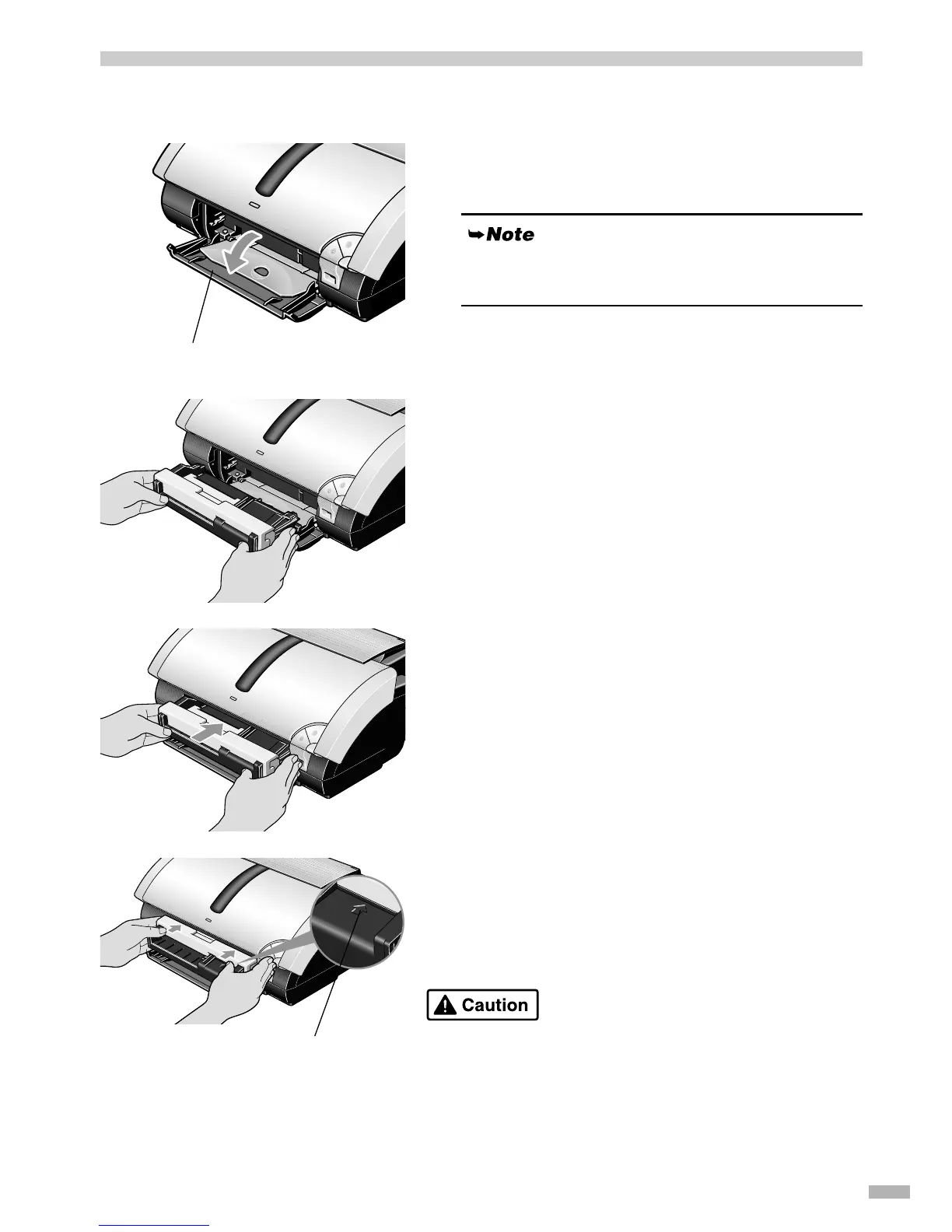
Attaching the CD-R Tray Feeder and CD-R Tray
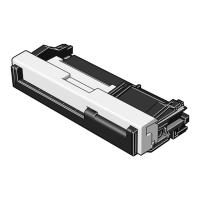
Attaching the CD-R tray feeder
1
11
1
Pull down the paper output tray cover
forward to open.
2
22
2
Place the CD-R tray feeder on the
paper output tray.
3
33
3
Insert the CD-R tray feeder straight by
sliding it in until it clicks into place.
4
44
4
Push in the slider on the CD-R tray
feeder.
Insert the slider completely. Failed to do so may damage CD-R
when printing.
Do not extend the paper output tray. Doing so will
prevent the attaching of the CD-R tray feeder.
Paper output tray cover
Insert the slider up to here.


 To Next Page