i
111
1,1
,II
Ii
III'
_____
J'
_LOCK
!
L LOCK switch
When you erase still images
or
initialize
the memory card, only the file allocation
table is altered and stored data is not
physically erased.
Take
the necessary
precautions when you dispose
of
the
memory card, for example by physically
damaging it
to
prevent the leakage
of
private data.
If giving the memory card
to
another
person, initialize it using the
[COMPL.INIT.] option (OJ
57).
Fill it up
with unimportant still images, and then
initialize it again using the same option.
This makes recovering the original still
images very difficult.
Disposal
• Check the direction before inserting
the memory card. Forcing a memory
card into the slot if it is not correctly
oriented may damage the memory
card or the camcorder.
•
Do
not attach any labels or stickers on
the memory card.
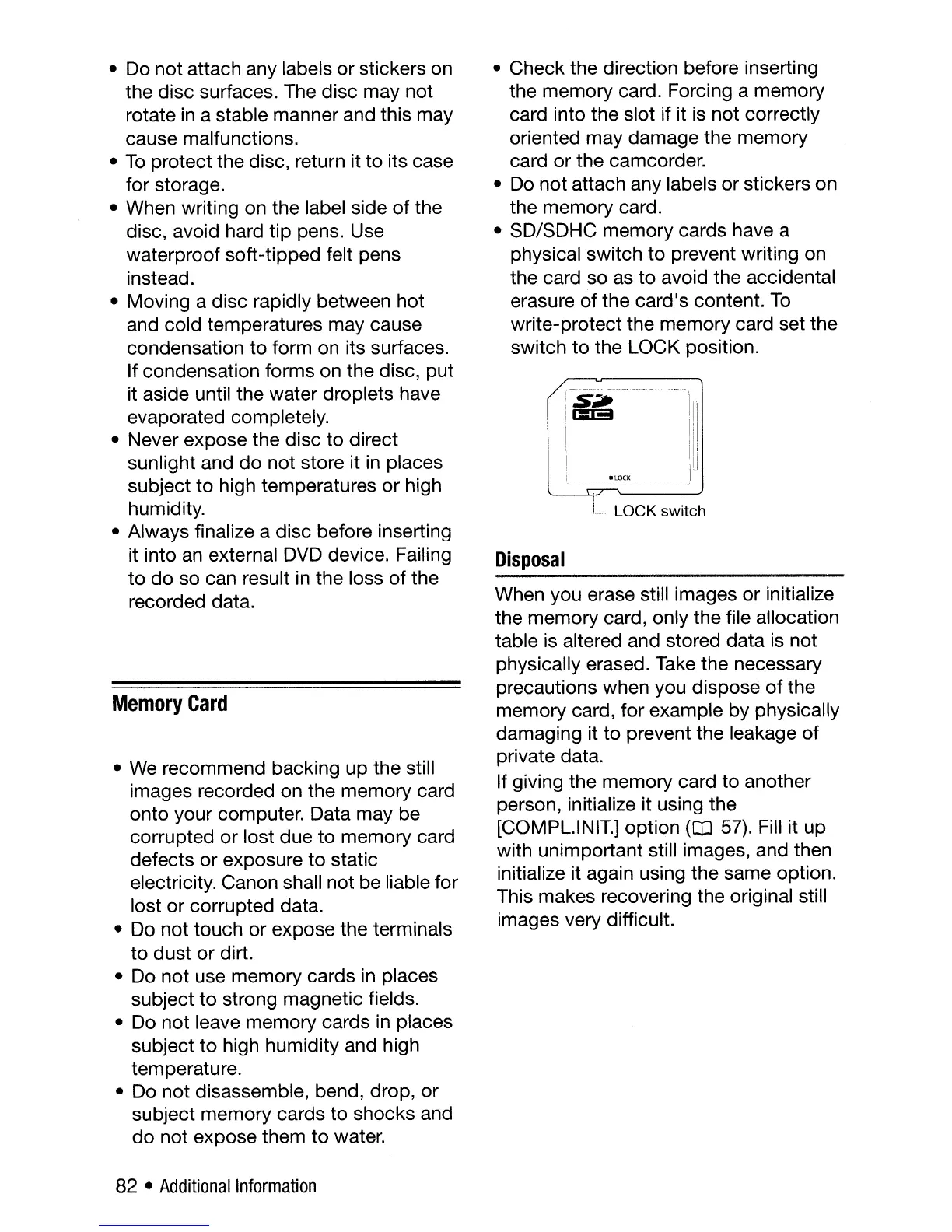
• SD/SDHC memory cards have a
physical switch to prevent writing on
the card so as
to
avoid the accidental
erasure
of
the card's content.
To
write-protect the memory card set the
switch
to
the LOCK position.
•
We
recommend backing up the still
images recorded on the memory card
onto your computer. Data may be
corrupted or lost due to memory card
defects or exposure
to
static
electricity. Canon shall not be liable for
lost or corrupted data.
•
Do
not touch or expose the terminals
to
dust or dirt.
• Do not use memory cards
in
places
subject
to
strong magnetic fields.
• Do not leave memory cards in places
subject
to
high humidity and high
temperature.
• Do not disassemble, bend, drop,
or
subject memory cards to shocks and
do
not expose them to water.
Memory
Card
• Do not attach any labels or stickers on
the disc surfaces. The disc may not
rotate
in
a stable manner and this may
cause malfunctions.
•
To
protect the disc, return it
to
its case
for storage.
• When writing on the label side of the
disc, avoid hard tip pens. Use
waterproof soft-tipped felt pens
instead.
• Moving a disc rapidly between hot
and cold temperatures may cause
condensation to form on its surfaces.
If condensation forms on the disc, put
it aside until the water droplets have
evaporated completely.
• Never expose the disc
to
direct
sunlight and do not store it
in
places
subject
to
high temperatures
or
high
humidity.
• Always finalize a disc before inserting
it into
an
external
DVD
device. Failing
to
do
so can result
in
the loss of the
recorded data.
82 •
Additional
Information



 To Next Page