Chapter 3
3-3
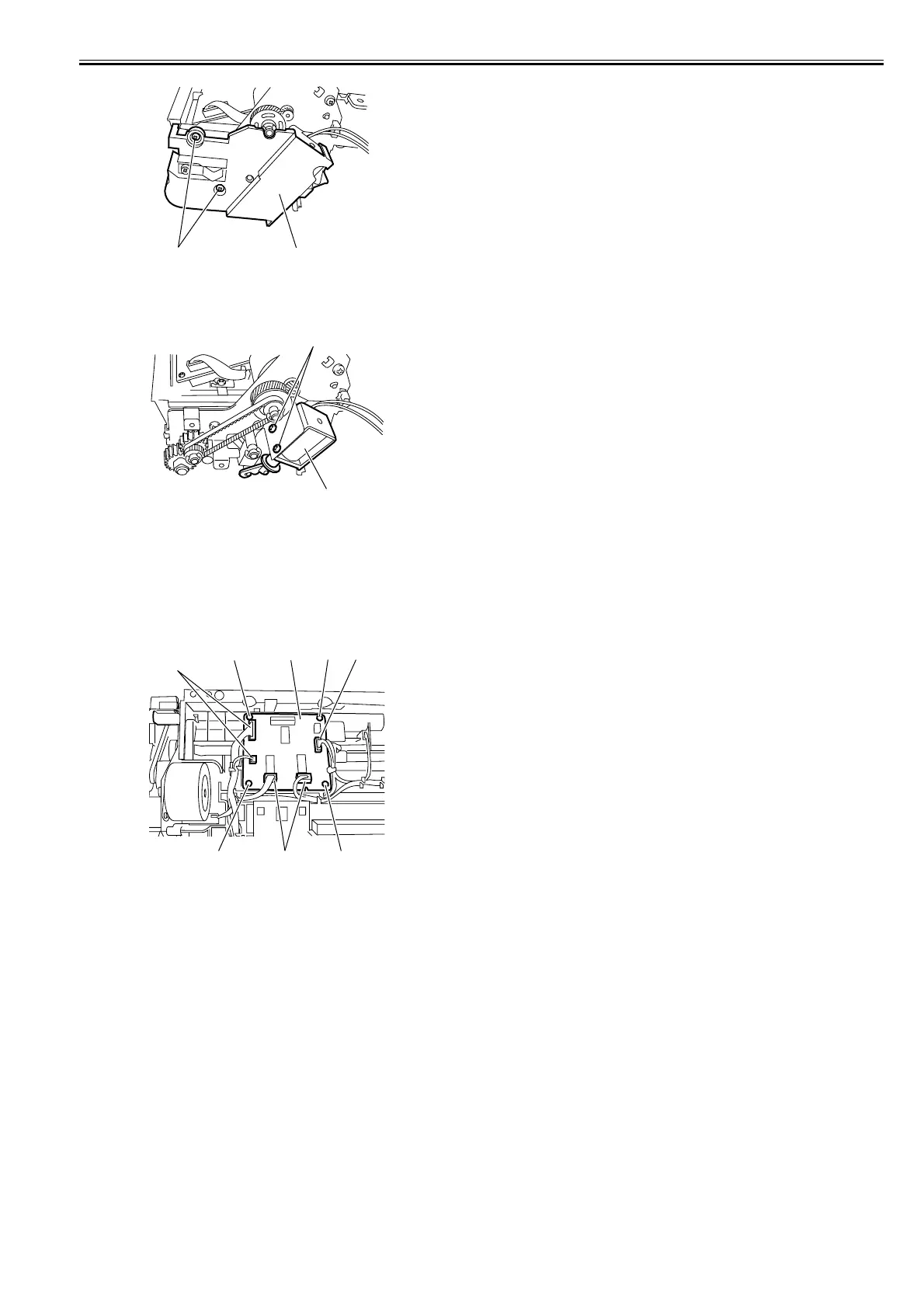
F-3-11
4) Remove the two screws [1], and then remove the duplex flapper solenoid
[2].
F-3-12
3.3.3 Duplex Controller PCB
3.3.3.1 Removing the Duplex Controller PCB
0010-6350
1) Remove the duplex unit from the left door.
2) Remove the five connectors [1] form the duplex controller PCB.
3) Remove the four screws [2], and remove he duplex controller PCB [3].
F-3-13
[1]
[2]
[1]
[2]
[1]
[1]
[1]
[2][2] [3]
[2] [2]















 To Next Page