101
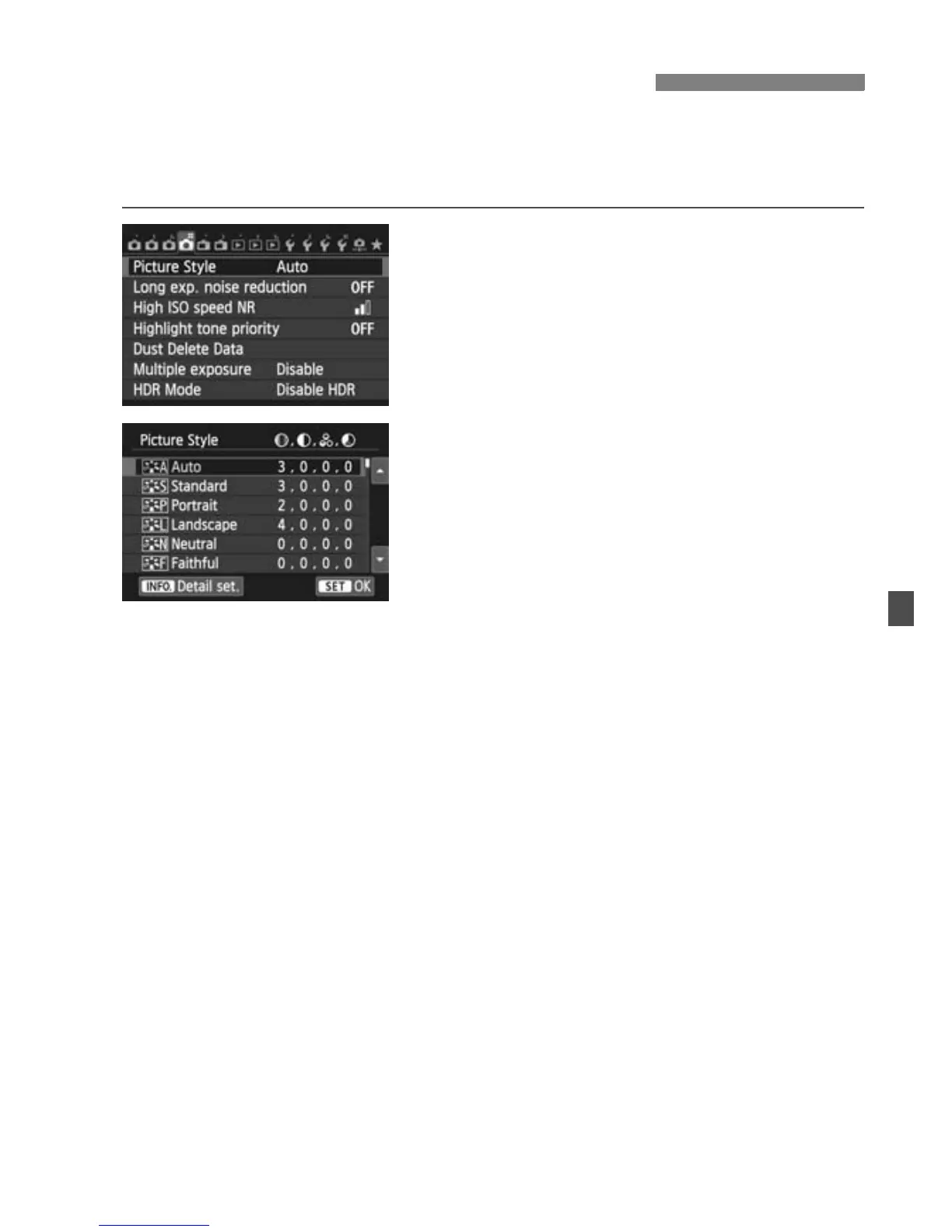
By selecting a Picture Style, you can obtain image characteristics
matching your photographic expression or the subject.
In Basic Zone modes, <D> (Auto) is set automatically.
1
Select [Picture Style].
Under the [z4] tab, select [Picture
Style], then press <0>.
X The Picture Style selection screen will
appear.
2
Select a Picture Style.
Press the <V> key to select a
Picture Style, then press <0>.
X The Picture Style will be set.
A Selecting a Picture StyleN



 To Next Page