Nomenclature
20
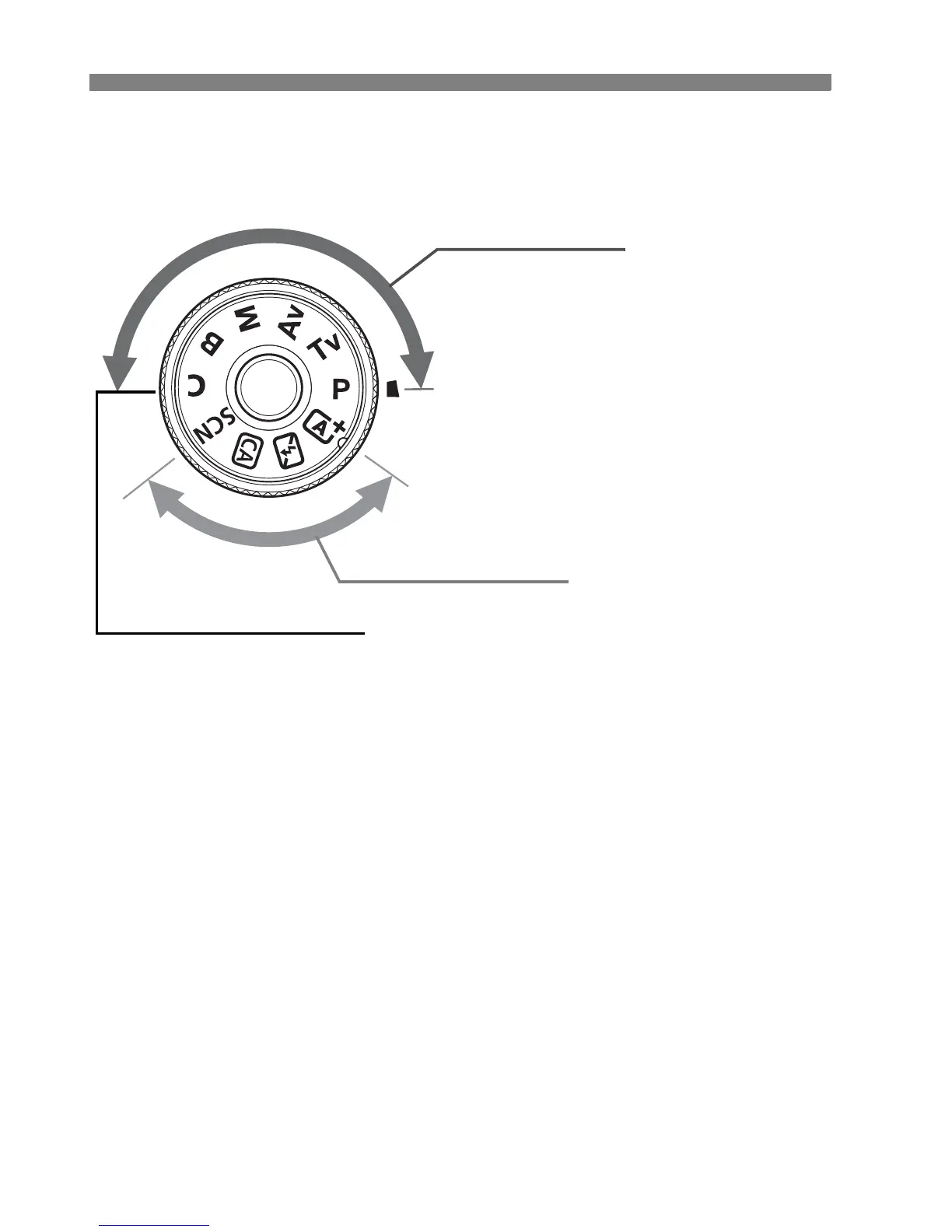
Mode Dial
Turn the Mode Dial while holding down the Mode Dial center (Mode Dial
lock release button).
Basic Zone
All you do is press the shutter button.
The camera sets everything to suit
the subject or scene.
A : Scene Intelligent Auto (p.66)
7 :Flash Off(p.71)
C : Creative Auto (p.72)
8 : Special scene (p.75)
2 : Portrait (p.76)
3 : Landscape (p.77)
4 : Close-up (p.78)
5: Sports (p.79)
6 : Night Portrait (p.80)
F : Handheld Night Scene (p.81)
G : HDR Backlight Control (p.82)
Creative Zone
These modes give you more
control for shooting various
subjects.
d : Program AE (p.110)
s : Shutter-priority AE (p.111)
f : Aperture-priority AE (p.112)
a : Manual exposure (p.113)
F : Bulb
Custom shooting mode
You can register the
shooting mode (d/s/
f/a/F), AF operation,
menu settings, etc., to w
and shoot.



 To Next Page