Introduction
12
The serial number of this product can be found on the battery compartment
cover of the camcorder. Write down the number and other information here and
retain this book as a permanent record of your purchase to aid identification in
case of theft.
Model Name: FS31 A/FS30 A/FS300 A
Date of Purchase: Serial No.:
Purchased From:
Dealer Address:
Dealer Phone No.:
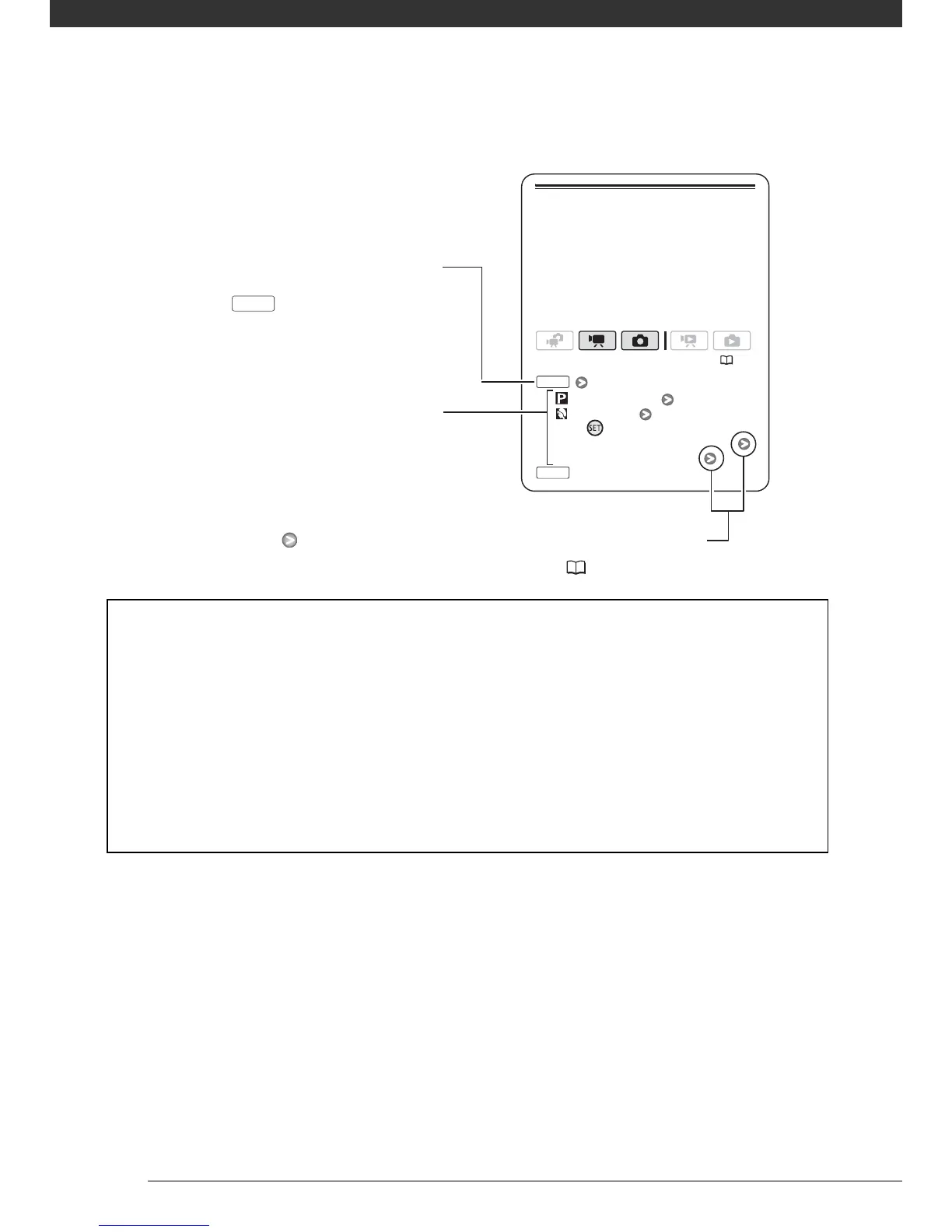
Special Scene Recording Programs
[ PROGRAM AE]
[ PORTRAIT]
Press to display the Special
Scene (SCN) recording programs
Desired recording program
( 25)
FUNC
FUNC
Recording in a very bright ski resort or
capturing the full colors of a sunset or a
fireworks display becomes as easy as
selecting a Special Scene recording
program. For details about the available
options, refer to the following sidebar.
Brackets [ ] are used to refer to menu
options as they are displayed on
screen. In tables in this manual the
default value is shown in boldface.
For example [ON], [OFF].
In this manual, the arrow is used to abbreviate menu selections.
For a detailed explanation refer to Using the Menus ( 26).
Names of buttons and switches other
than the joystick are indicated within
a “button” frame.
For example .
FUNC.



 To Next Page