38
E
Using the Full
Range of Features
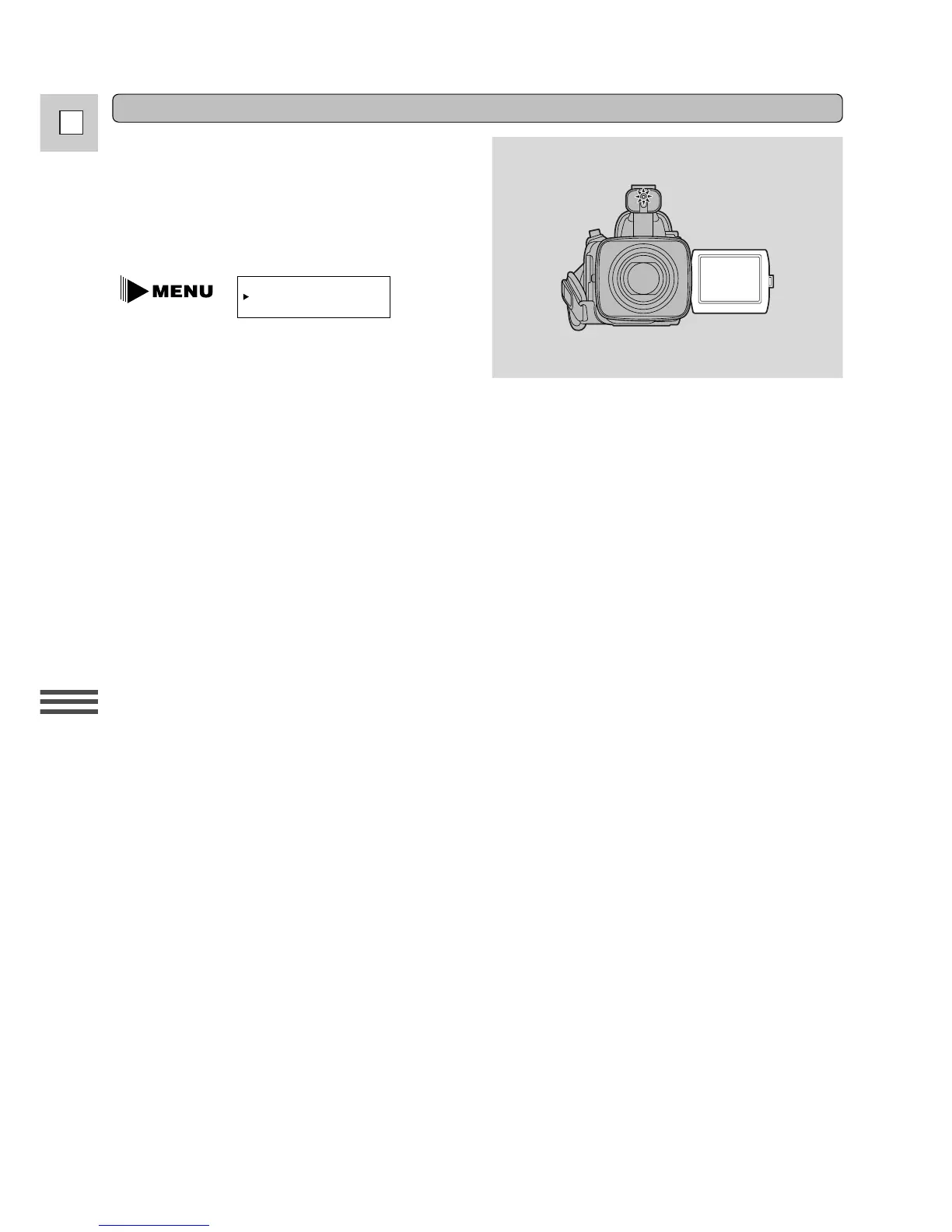
Turning off the tally lamp
The tally lamp lets you know that the camera is
recording. However, its flashing may be reflected
into the lens during close-up recording, or when
recording through glass.
You may therefore decide to turn it off.
(see p. 34)
1. Open the camera menu and point the
arrow at TALLY LAMP.
2. Select the OFF setting and close the menu.
• The tally lamp no longer flashes during recording, but it will still light up when the camera receives
a signal from the wireless controller.


 To Next Page