COPYRIGHT © 1996 CANON INC. CANON GP215/200 REV.0 JULY 1996 PRINTED IN JAPAN (IMPRIME AU JAPON)
3–178
3. OPERATIONS AND TIMING
E. *2* I/O DISPLAY (I/O display mode)
• Use this mode to indicate the input/output states of the input/output ports of the CPU.
• You cannot change the indicated values/settings.
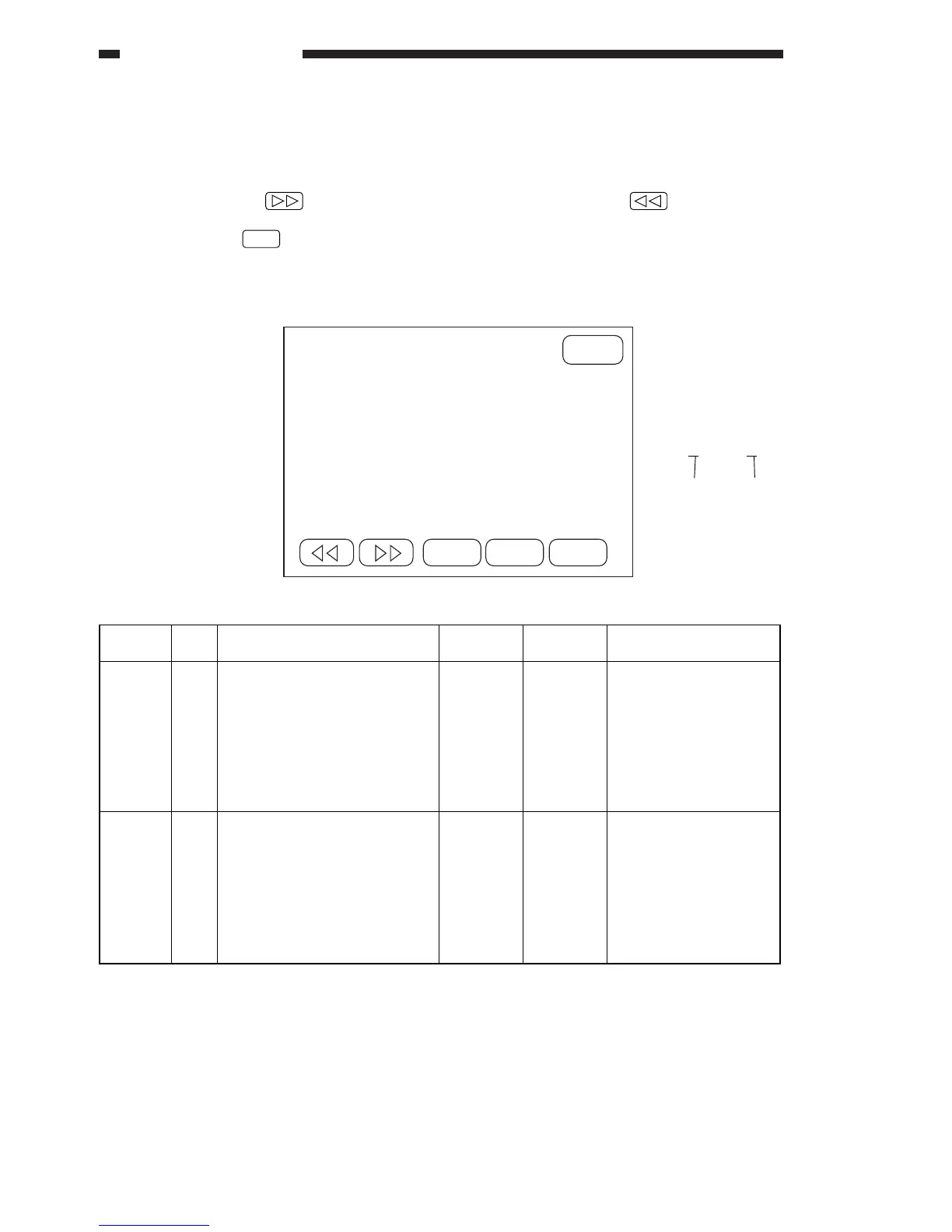
Each press on the key brings up the next screen; each press on the key, on the other
hand, brings up the previous screen.
• A press on the key will bring up the Menu screen.
1. Inputs/Outputs to and from the Image Processor PCB (1st screen)
Guide to the Screen
IP PA0:XXXXXXX
bit 7 ..... bit 0



 To Next Page