4
4
4-34
4-34
Parts Replacement and Cleaning Procedure > Clutch Solenoid Motor Fan PCB (DADF) > Removing the Document Width Volume(VR1)
Parts Replacement and Cleaning Procedure > Clutch Solenoid Motor Fan PCB (DADF) > Removing the Document Width Volume(VR1)
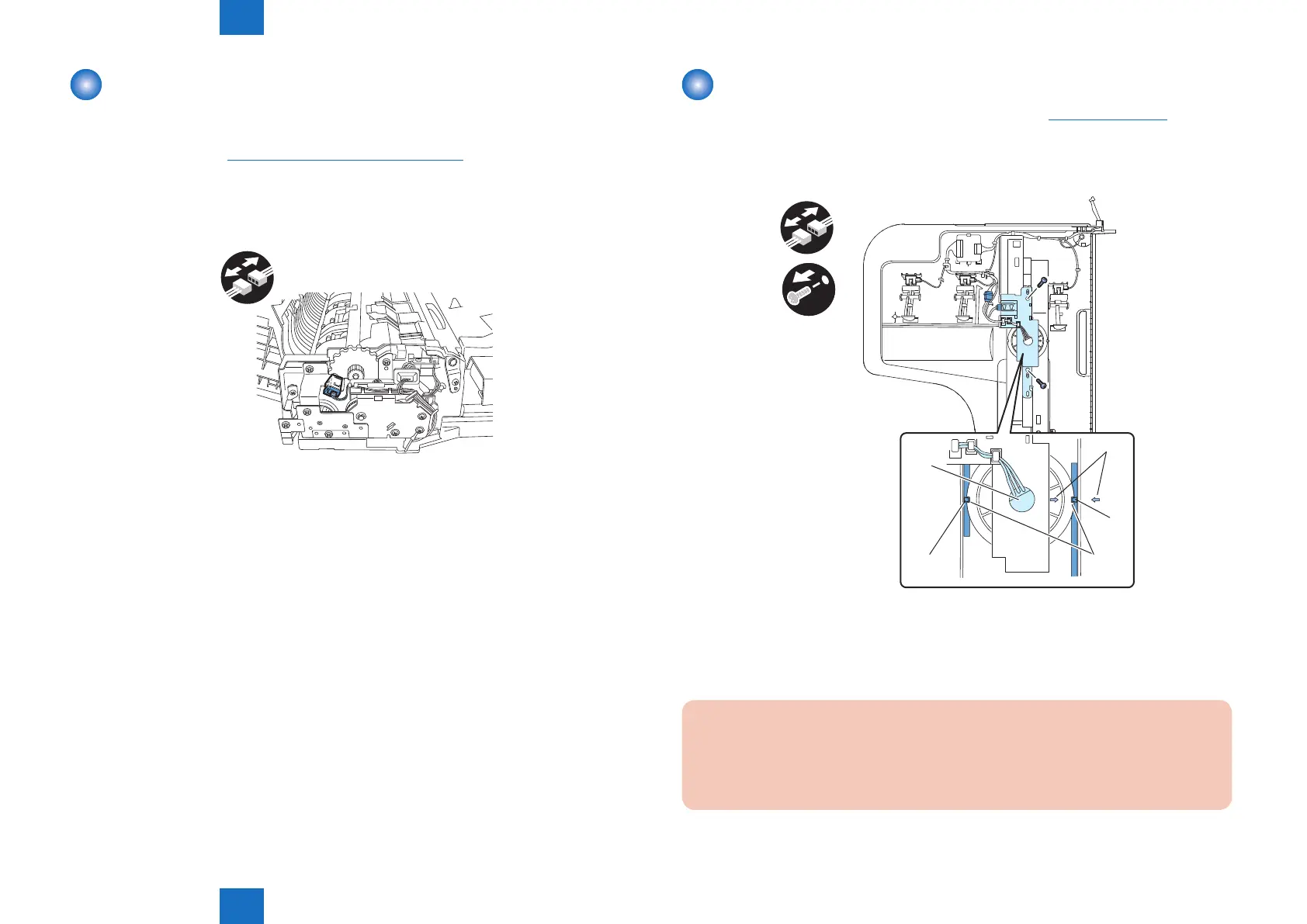
Removing the Release Motor HP Sensor(SR11)
1) Open the feeder cover.
2) Open the DADF.
3) Detach the front cover."Removing the Front Cover"(page 4-18).
4) Close the DADF.
5) Remove the release motor HP sensor
- Connector 1 pc
x1
F-4-79
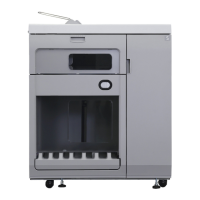
Removing the Document Width Volume(VR1)
1) Detach the cover on the reverse side of the document tray.(Refer to page 4-33)
2) Remove the document width volume unit.
- Connector 2 pcs.
- Screw 2 pcs.
[3]
[2]
[2]
[1]
x2
x2
VR1
3) Remove the document width volume.
- Hexagon NUT 1pc
- Washer 1 pc
CAUTION:
Install the document width volume with its lower gear groove [1] tting on the projection
[2] on the document tray side. Be sure to install it with the arrow on the gear aligned
with the arrow [3] on the tray cover.
F-4-80









 To Next Page