4-9
4
Checking the Status of a Print Job
■ Using the Tab Window
Using the Tab WindowUsing the Tab Window
Using the Tab Window
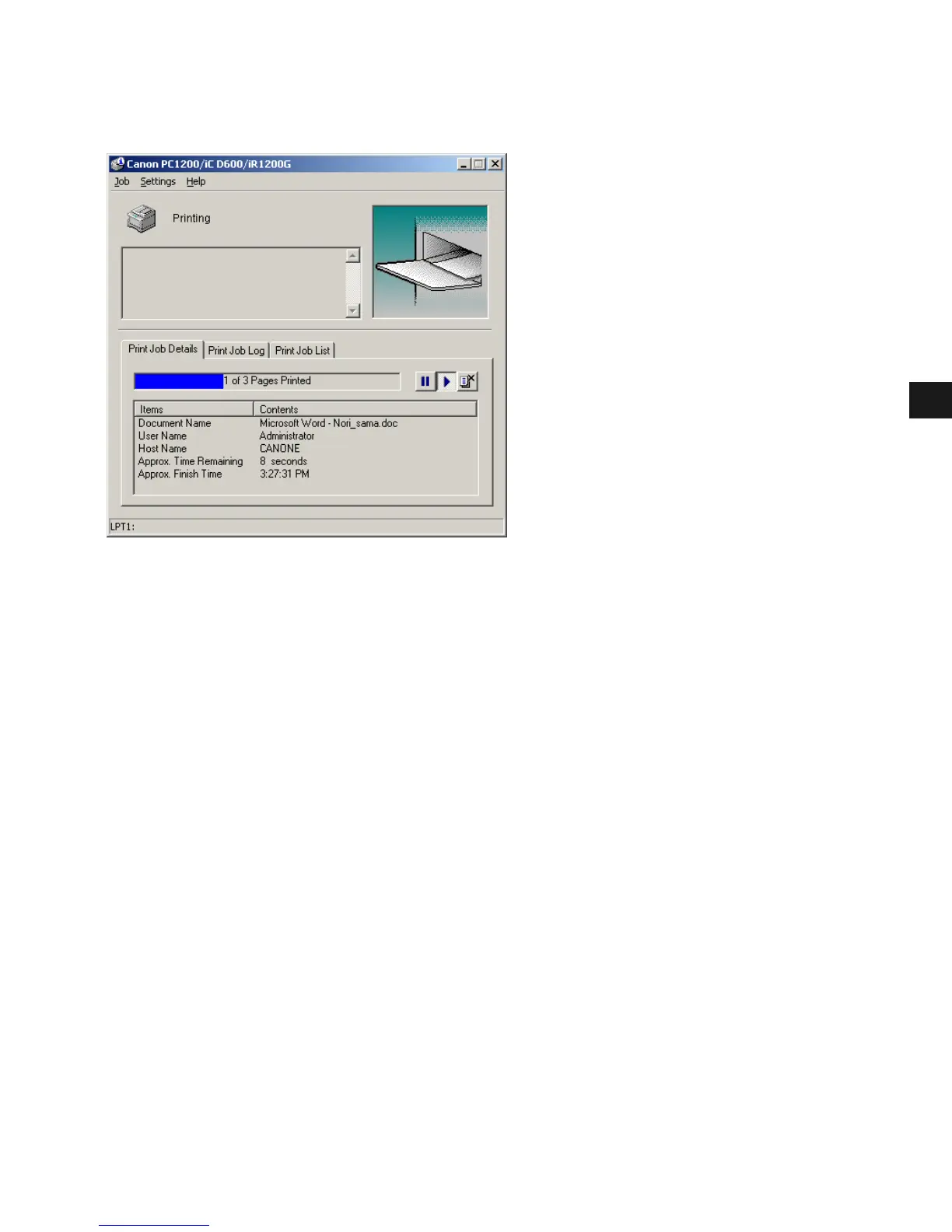
Print Job Details
This tab shows information related to the job that is currently printing. The following types of
information are displayed:
• Document Name
•User Name
•Host Name
• Approximate Time Remaining
• Approximate Finish Time
Some of this information may not be displayed, depending on the printer status.














 To Next Page