4-10
4
Checking the Status of a Print Job
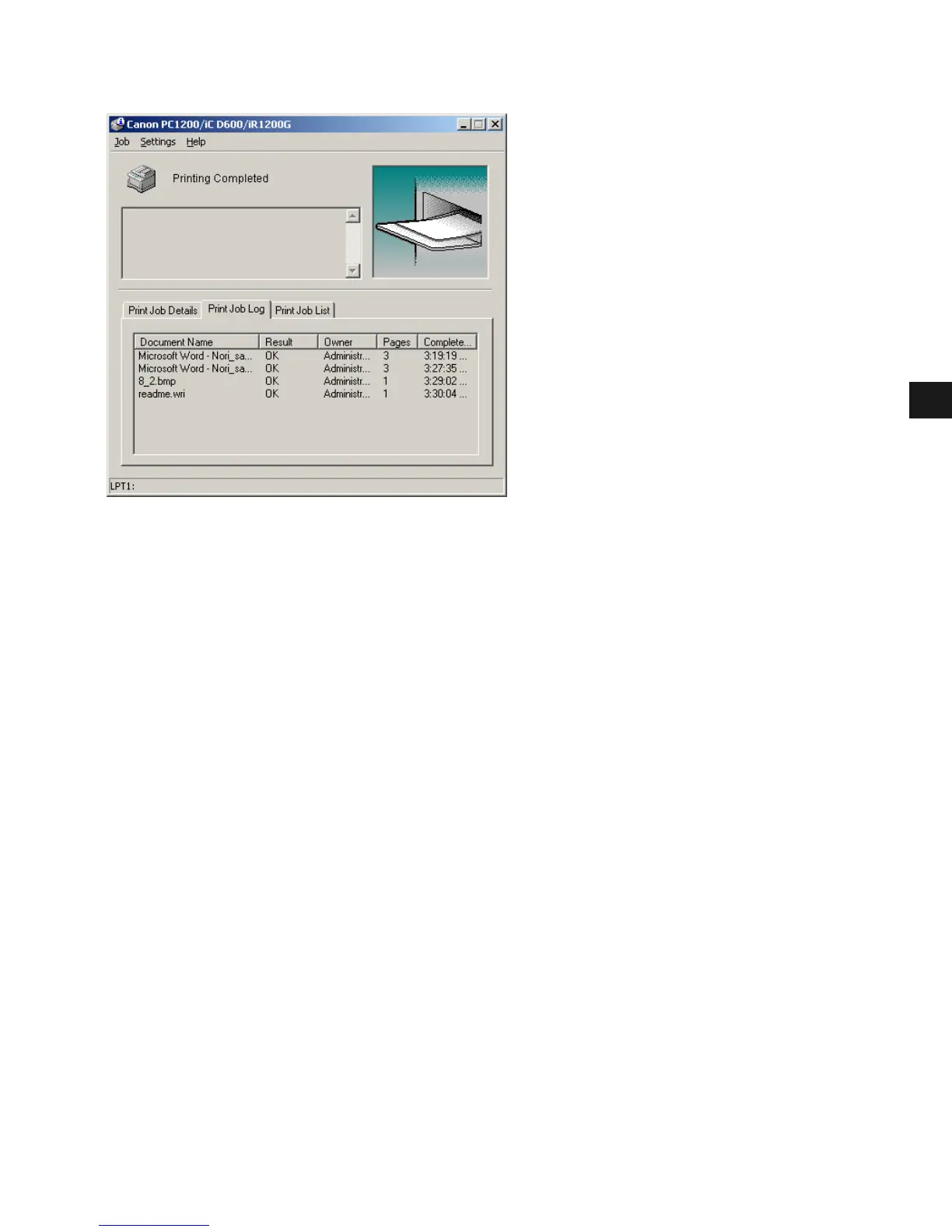
Print Job Log
This tab shows information related to jobs that are completed. The following types of
information are displayed:
• Document Name
•Result
•Owner
•Pages
• Complete Time
The job history displayed in the job information area can list a history of up to 100 jobs,
beginning from the time the Status Window was started. The job logs list clears whenever you
terminate the Status Window.














 To Next Page