EasyManua.ls Logo

Canon imageCLASS MF4880dw - Setting the Wireless LAN

Canon imageCLASS MF4880dw
24 pages
Print Icon
To Next Page IconTo Next Page
To Previous Page IconTo Previous Page
Loading...
4
Setting the Wireless LAN
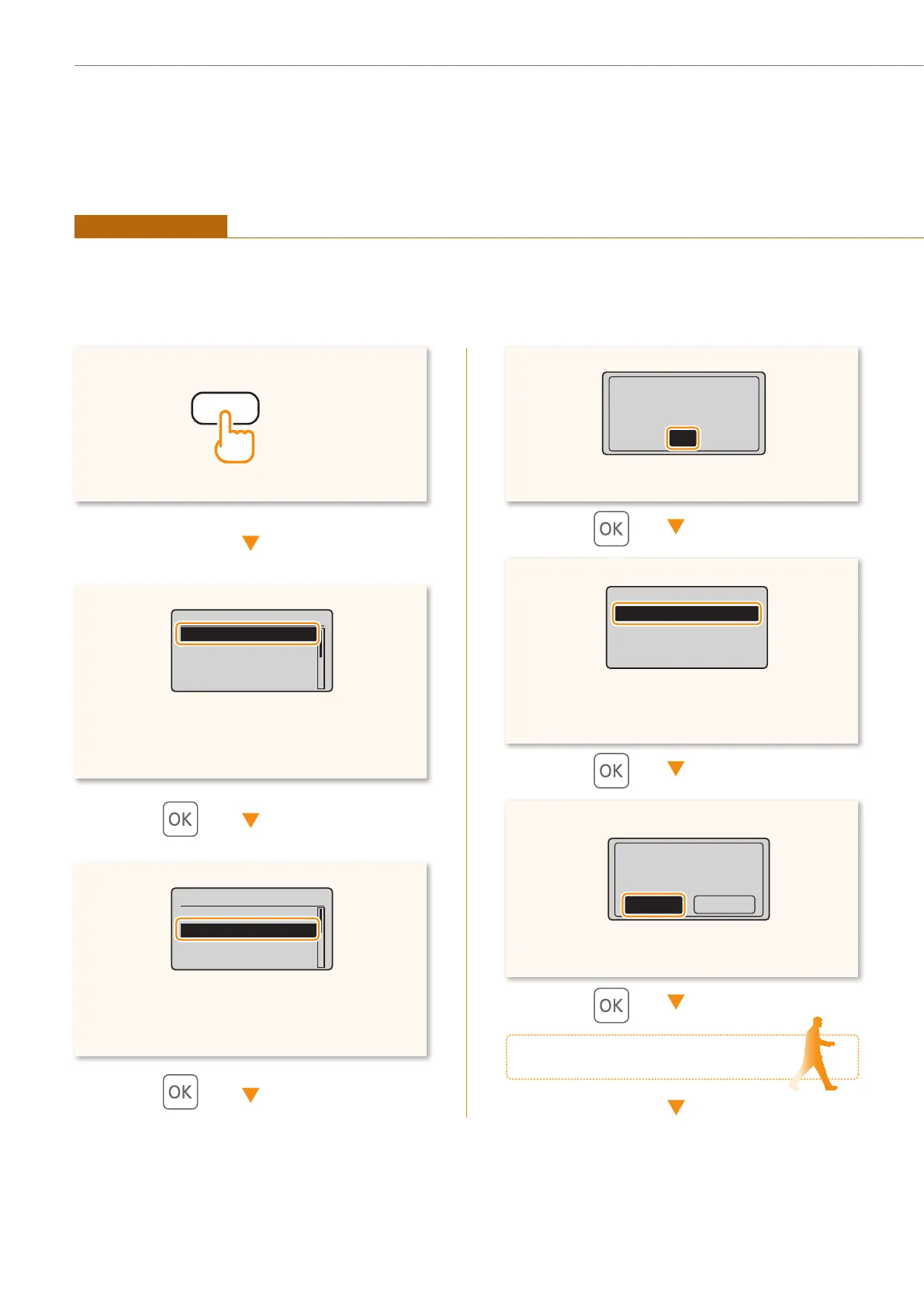
Press [] or [] to highlight <WPS Push Button
Mode>.
Wireless LAN Settings
WPS Push Button Mode
WPS PIN Code Mode
SSID Settings
Wireless LAN Informa...
Press [] or [] to highlight <Network
Settings>.
Menu
Network Settings
Preferences
Timer Settings
Copy Settings
Press [] to highlight <Yes>.
Do you want to
connect with new
settings?
NoYes
Network Settings
Select Wired/Wirele...
Wireless LAN Setting
TCP/IP Settings
SNMPv1 Settings
Press [] or [] to highlight <Wireless LAN
Settings>.
See Wireless LAN
Setting Guide to
perform settings.
OK
Move to the router
(Menu)
Push Button Mode
Setting via WPS
Read the instruction manual for your network device rst to learn how to con gure the settings.

Other manuals for Canon imageCLASS MF4880dw

Related product manuals