3
Prepare for Wireless LAN Connection
Step 3
Check Your Router.
Select the method to set up the wireless LAN from the following two methods, depending on the router or access
point that you are using.
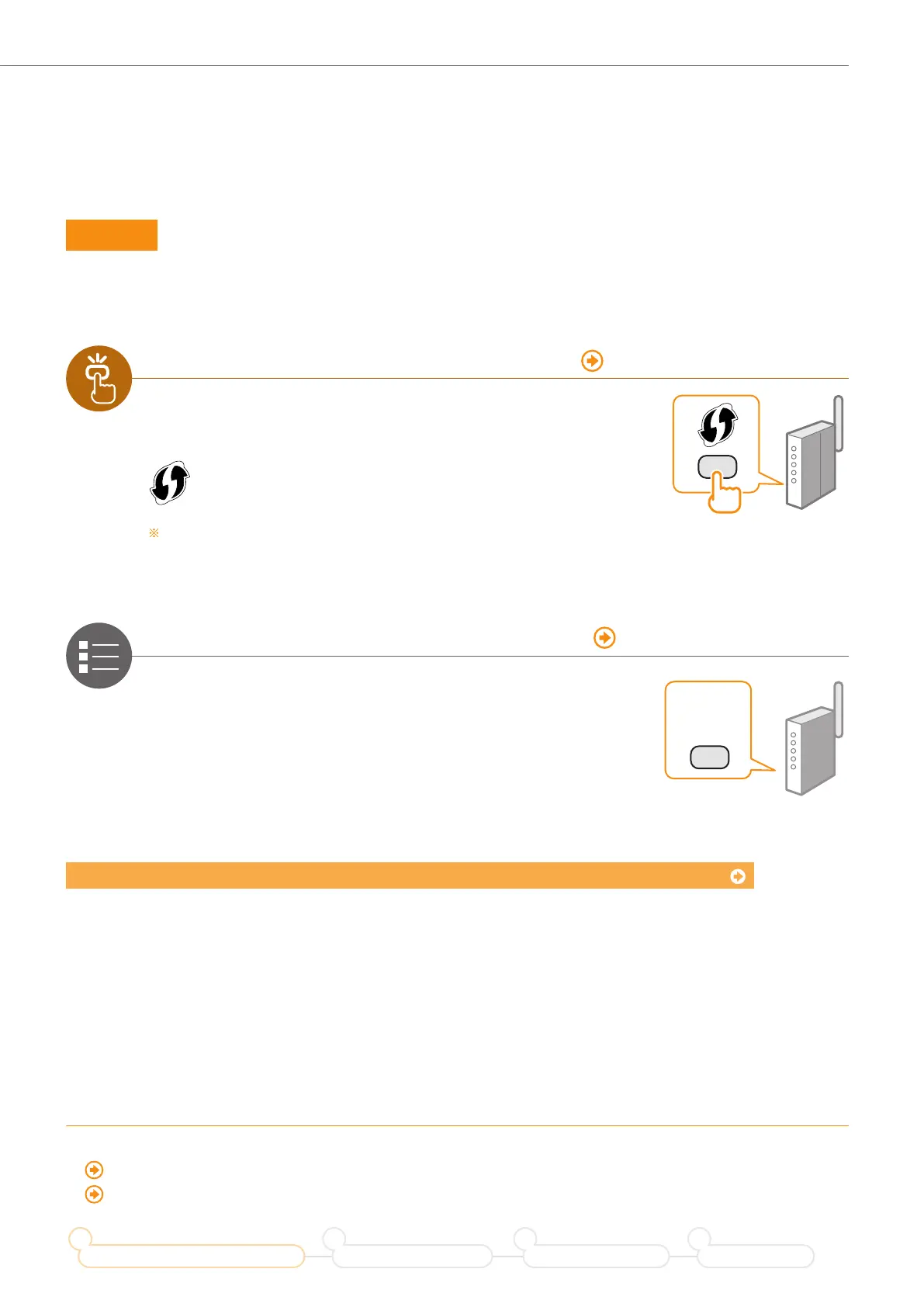
There is a button. P. 4 (Push Button Mode)
This machine supports WPS (Wi-Fi Protected Setup). You can
easily setup if your router or access point has a button, and if the
following mark is on the router.
If you are not sure whether your router supports WPS, please see the manual
included in the product, or contact the product manufacturer.
There is no button. P. 6 (Manual Selection)
If there is no button on your router or access point, you may
manually select the SSID and complete the settings. In this case,
you need to remember the SSID and network key of your router or
access point. See “Check the SSID (Network Name/Access Point
Name) and Network Key” (P.6) to learn how to fi nd out your SSID
and network key.
?
To setup with “WPS PIN Code Mode,” or setup manually:
“Setting the Machine Using WPS (PIN Code Mode)” in the e-Manual.
“Setting by Manually Selecting an Access Point” in the e-Manual.
When proceeding from “Connecting the Power Cord” in the Starter Guide
Proceed to step
on P.4.
Prepare for Wireless LAN Connection
1
Setting the Wireless LAN
2
Installing the Software
3
Troubleshooting
4










 To Next Page