6
Setting the Wireless LAN
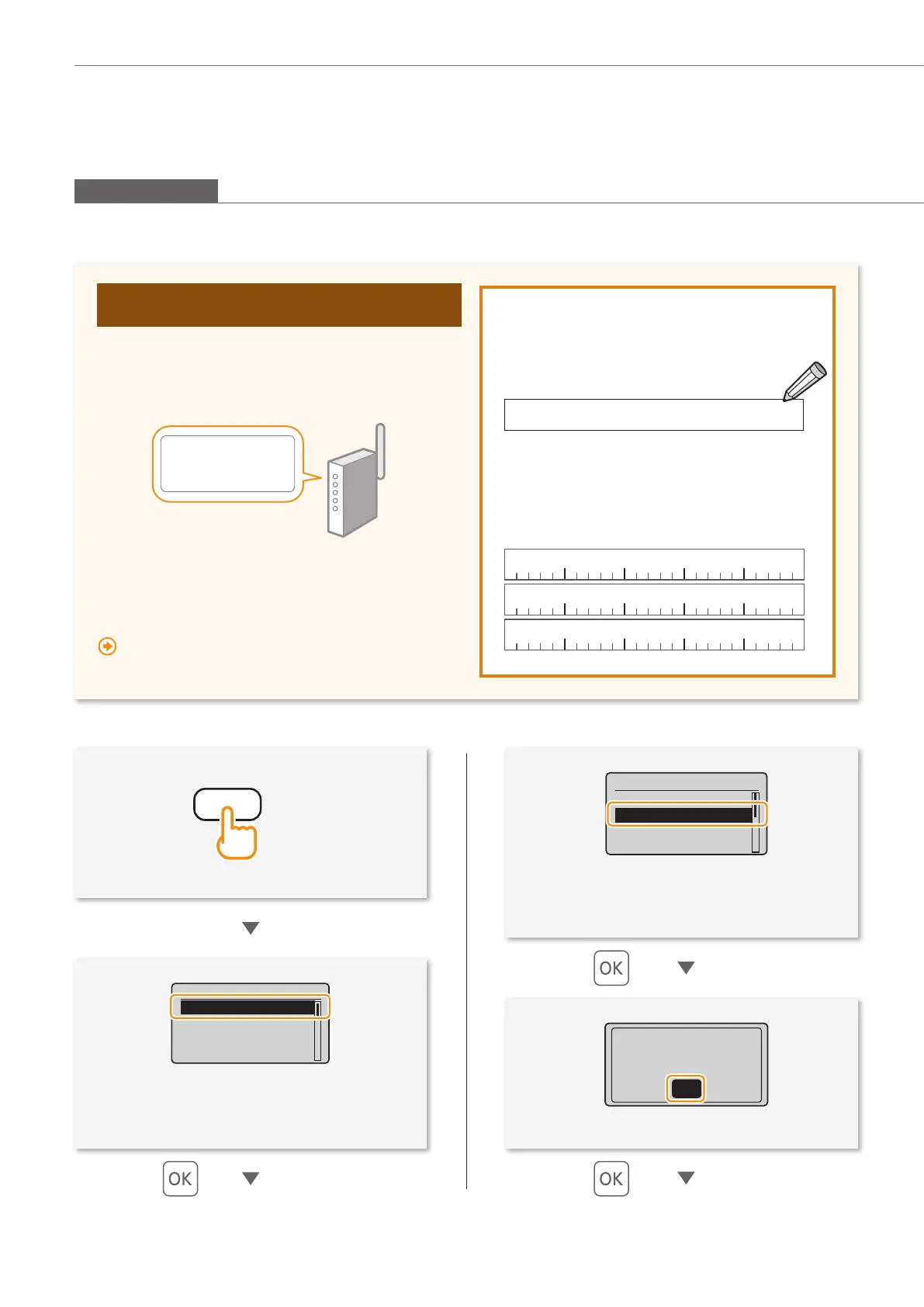
Check the SSID (Network Name/Access Point
Name) and Network Key
Fill in the blanks on the right after checking one of the
following methods
.
Check a label attached on the wireless LAN router.
・
・
・
SSID :XXXXXXXXXXXX
:XXXXXXXXXXXX
Network Key
Check using Canon MF/LBP wireless Setup
Assistant*
* Included in User Software CD-ROM, which is supplied with the
machine.
““Checking SSID or Network Key for a Wireless LAN
Router/Access Point” (P.20)
• Press [▲] or [▼] to highlight <Network
Settings>.
• Press [▲] or [▼] to highlight <Wireless LAN
Settings>.
See Wireless LAN
Setting Guide to
perform settings.
OK
Network Settings
Select Wired/Wirele
...
Wireless LAN Setting
TCP/IP Settings
SNMPv1 Settings
Menu
Network Settings
Preferences
Timer Settings
Copy Settings
Manual Selection
Setting by Selecting the SSID (Network or Access Point)
• SSID
It is sometimes written as the name of network,
or name of access point. If there are multiple
SSIDs, please write them all down.
• Network Key
It is sometimes written as PIN, WEP key, WPA/
WPA2 passphrase, PSK , or preshared key.
(Menu)










 To Next Page