14
Troubleshooting
When an Error Message Appears
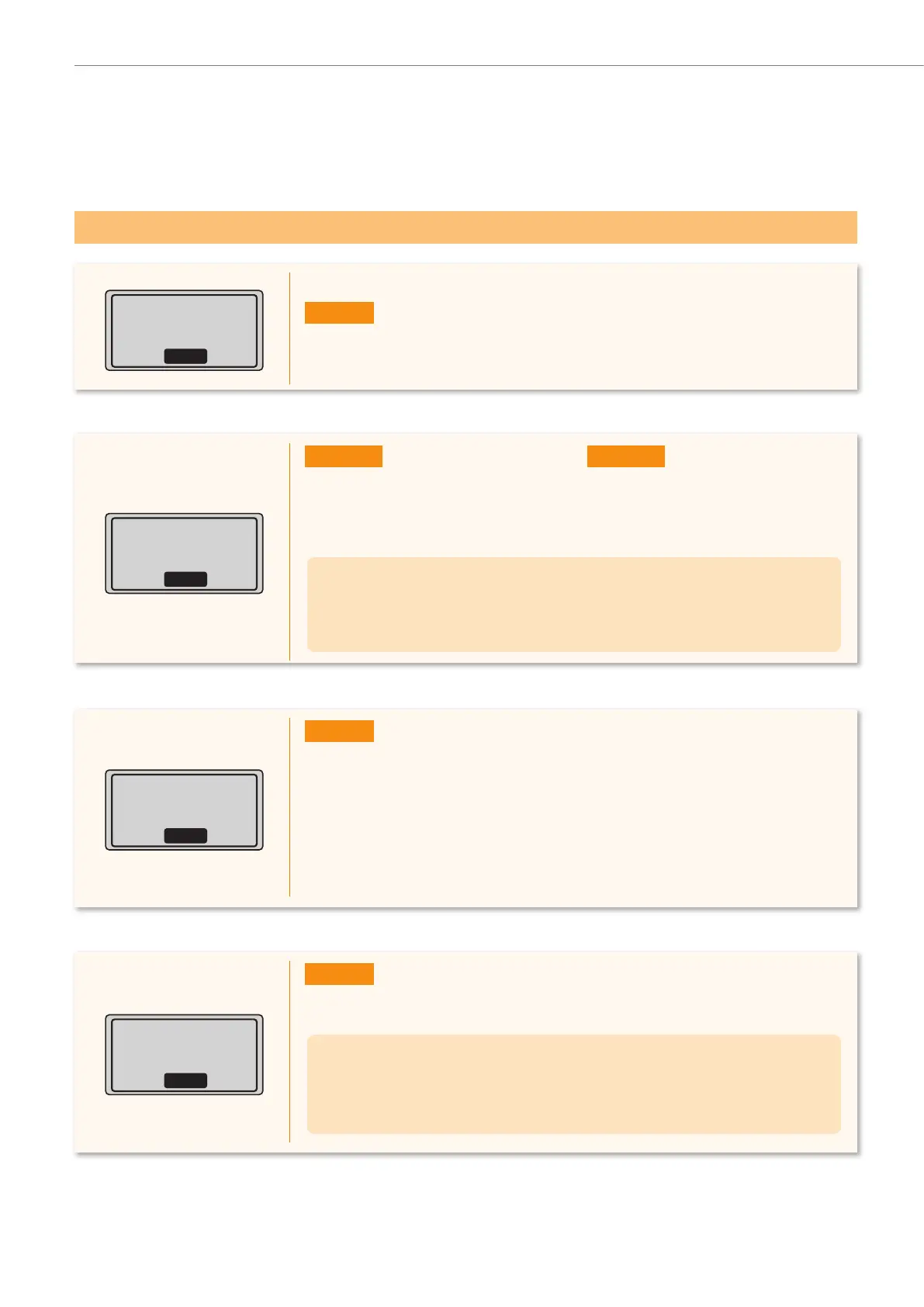
Could not connect.
More than one access
point was detected.
Close
Action
• Wait for a while and try again.
WPS connection
failed.
Close
Action
1. Check that the wireless LAN router or access point that you are using
supports WPS
function.
2. If the router is WPS capable:
Check network connection referring to “Cannot Connect to the Network” (P.18).
If the r
outer is not WPS capable:
Manually select a specifi c router f
or y
our network identifi cation. (P.6)
Cannot find access
point.
Close
Action 1
• Router’s push button might not be
pressed in the time limit. R
epeat the
setup with the proper procedure.
Action 2
• The correct SSID might not be
entered. Con
fi rm the router’s SSID
and repeat the setup.
If the message still appears:
Check network connection referring to “Cannot Connect to the Network” (P.18). If the
access point cannot be determined even after checking the network connection,
check the security settings on the router.
Wireless connection
failed.
Close
Action
• Turn OFF the machine and turn it back ON, and then repeat the setup.
If the message still appears:
Check network connection referring to “Cannot Connect to the Network” (P.18).
If the access point cannot be determined even after checking the network
connection, check the security settings on the router.










 To Next Page