8
Setting the Wireless LAN
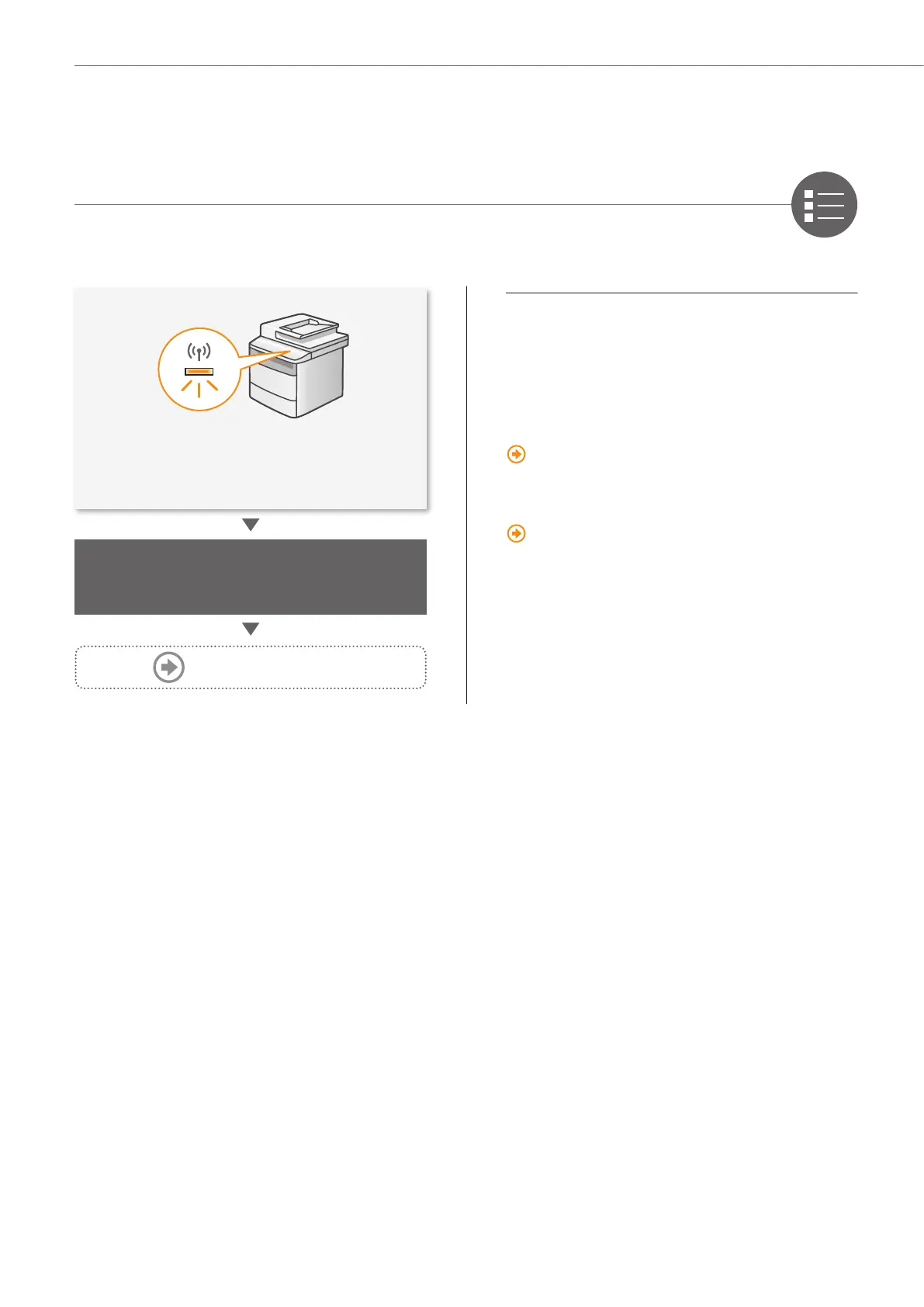
• After the <Connected.> screen is displayed,
wait until the Wi-Fi indicator stops blinking
and turns on.
Wait approximately 2 minutes
after the connection is completed.
The IP address is set during this time period.
When an error message appears:
Press [OK] to close the screen, check whether the
network key is correct or not, and then retry the
settings from step
.
If the access point cannot be detected even after
retrying, see the following.
“When an Error Message Appears” (P.14)
When setting IP address manually:
“Setting by Manually Entering SSID” in the
e-Manual
Proceed to P.9










 To Next Page