16
Replacing Toner Cartridges
When the toner becomes nearly empty in the middle of a job run, a message appears on the screen.
Message When it is displayed Description and solutions
Prepare <Toner Color>*
toner cartridge.
When a toner cartridge needs to be
replaced soon.
Have ready a replacement toner cartridge.
It is recommended that you replace the
toner cartridge before printing a large
amount of data.
Cart. parts life end. <Toner
Color>* replcmnt. recmnd.
Toner cartridges with print quality that
cannot be guaranteed due to their
decreasing lifetime etc., or used toner
cartridges that have reached their
lifetime, may have been inserted.
It is recommended that you replace the
toner cartridge. You can continue printing
by setting <Continue Printing (Qlty. Not
Guaranteed)>, but these cartridges may
cause malfunctions.
* Black, yellow, magenta, or cyan will appear in <Toner Color>.
When a Message Appears
Toner cartridges are consumables. When the toner becomes nearly empty or has run out completely in the middle of a job
run, a message appears on the screen, or the following problems may occur. Take the appropriate action accordingly.
Preface
1
Installing the Machine
2
Configuring and Connecting the Fax
3
Connecting to a Computer and
Installing the Drivers
4
Appendix
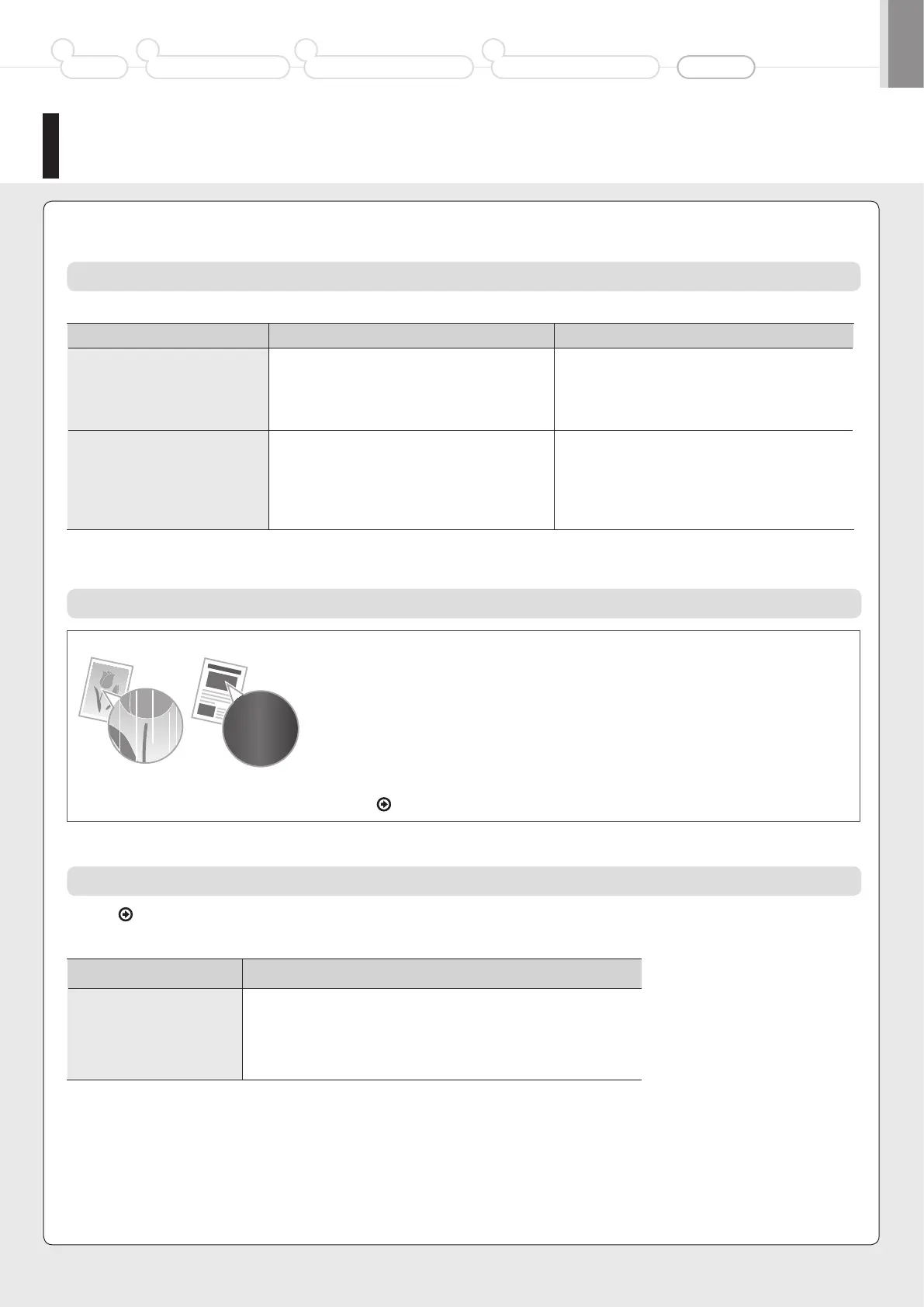
When White Streaks Appear on the Output or the Output Is Partially Faded
When the toner nearly runs out, white streaks appear on the output, or the output is partially faded.
* No message appears on the screen, if the toner nearly runs out. Replace the toner cartridge
when white streaks appear on the output, or the output is partially faded.
* Do not perform <Full Adjustment>, <Quick Adjustment>, or <Copy Image Adjustment> in such
situations above. Even you try to adjust using this function, the condition may not be improved.
To replace the toner cartridge, see “Replacing the Toner Cartridges”
in the e-Manual.
See the
e-Manual and replace toner cartridges.
Replacing the Toner Cartridge with a New One
For optimum print quality, replacing the toner cartridge with Canon genuine ones is recommended.
Model name Supported Canon genuine toner cartridge
MF8380Cdw
Canon Cartridge 418 Yellow
Canon Cartridge 418 Magenta
Canon Cartridge 418 Cyan
Canon Cartridge 418 Black













 To Next Page