1
Setting Up the Machine to Suit Your Needs
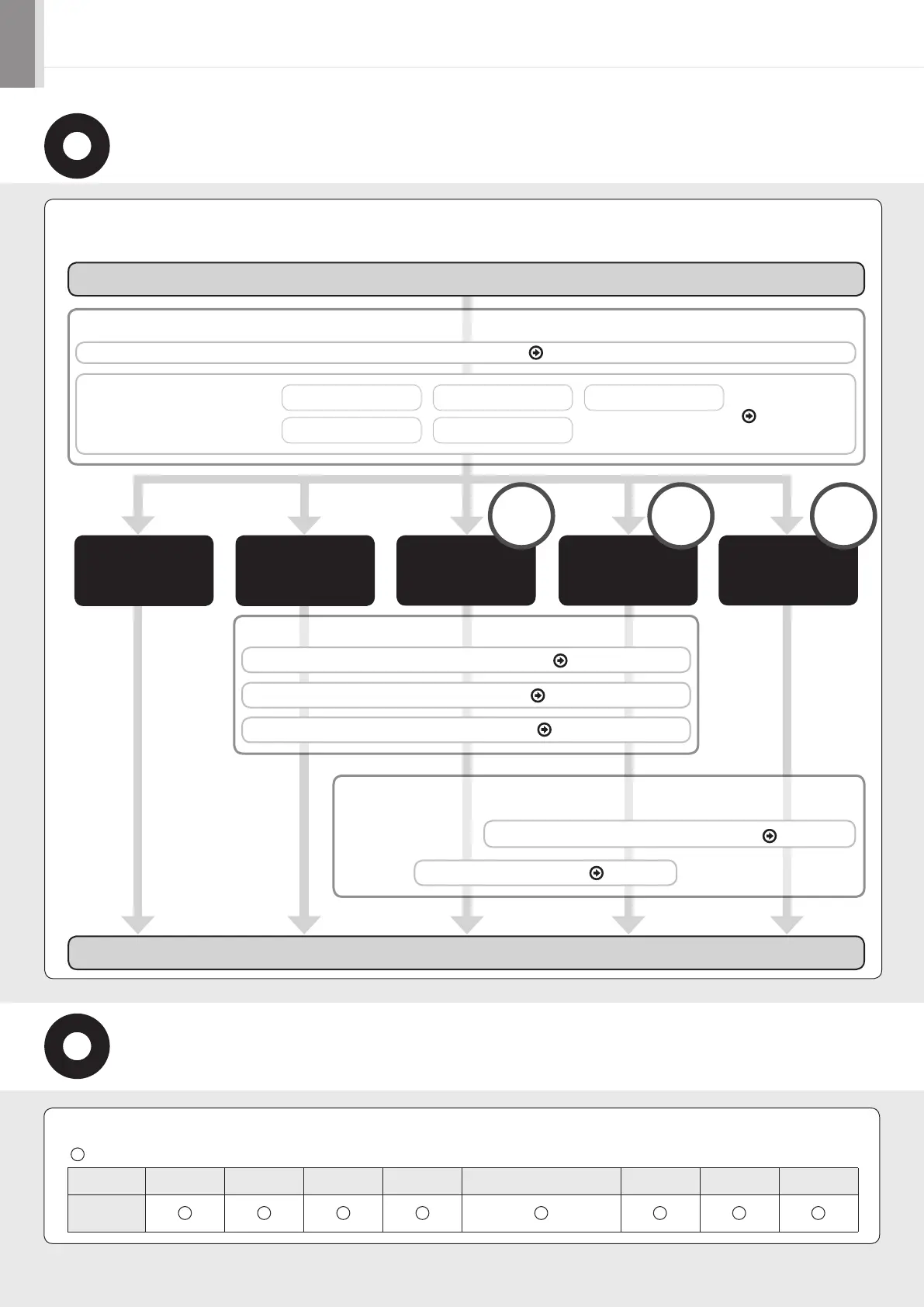
Specify settings related to the Copy, Print, Fax, PC Fax, Scan, Remote UI and Media Printing functions. Follow the steps in
the flowchart below.
: available
Copy (2-Sided) Print (2-Sided) Fax (PC Fax) Scan Send to E-mail/Store to Shared Folder Remote UI ADF (2-Sided) Wireless LAN
MF8380Cdw
Start Settings.
Registering the Sender Information P. 7
Fax Settings
Selecting the Receive Mode P. 8
Connecting a Telephone Line P. 9
Installing the Software P. 12
Connecting to Wired LAN/Wireless LAN P. 10
Settings in a Computer
Copy
Media Print
Fax
Settings from
a Computer
Print
Scan
PC Fax
Print
Scan
PC Fax
Connecting the Power Cord P. 3
Turning ON the Machine and
Specifying the Initial Settings
Country and Region Settings Time Zone SettingsLanguage Settings
Current Time Settings Color Correction
P. 3
Required Operations
Remote
UI
Network
Connection
USB
Connection
Settings are now complete.
Available Features
The machine offers the following features.













 To Next Page