Specifying Device Information Delivery Settings
6-47
6
System Manager Settings
Confirming Delivery Destination Settings
1
Press ➞ [System Settings] ➞ [Device Information Delivery Settings]
➞ [Register Destinations] under <Transmitting Settings>.
2
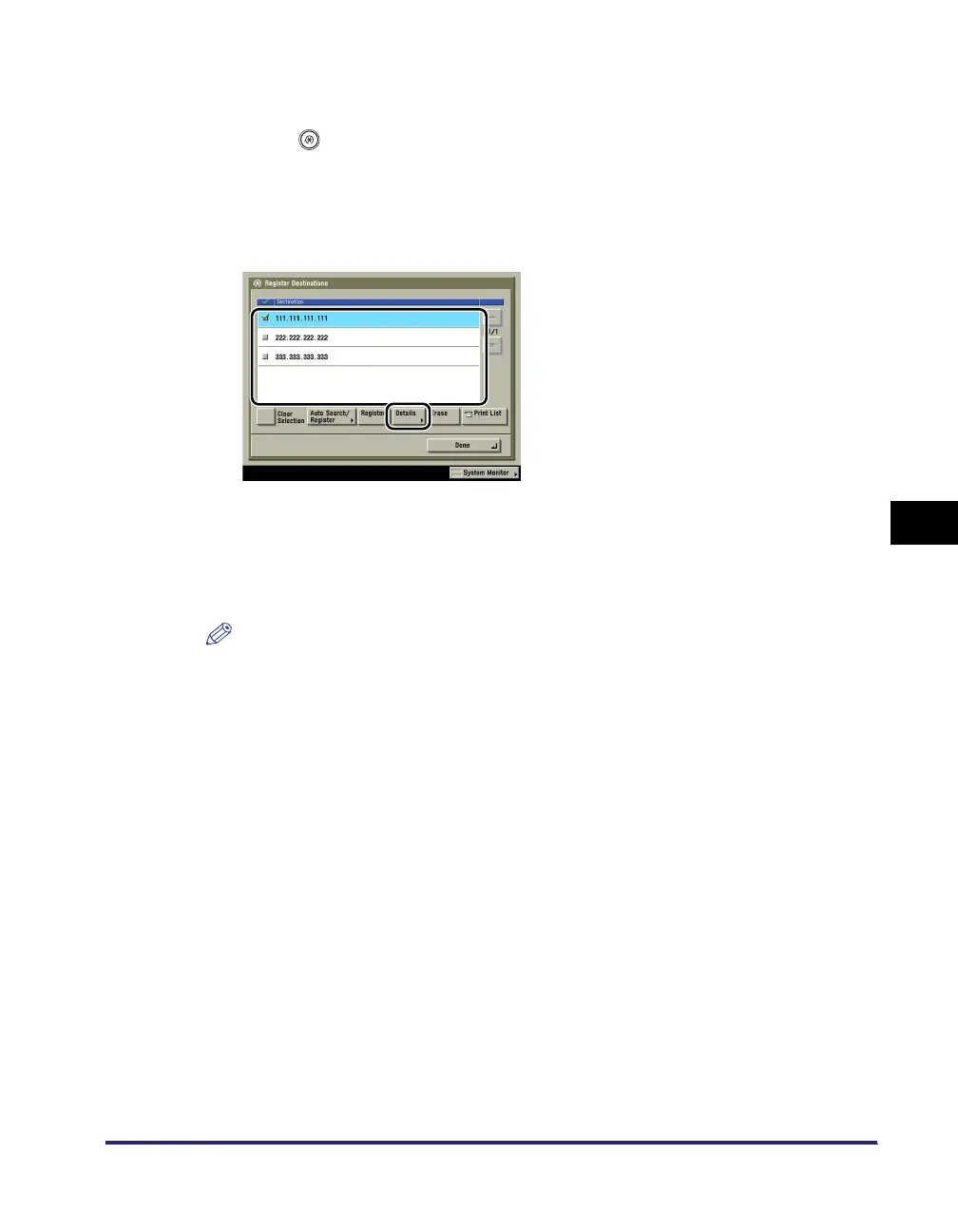
Select the destination whose settings you want to confirm ➞ press
[Details].
3
Confirm the settings ➞ press [OK].
If you have changed the destination machine's settings in Receive Restriction for Each Function
under <Receiving Settings> in Device Information Delivery Settings, press [Get Information] to
update the destination machine's information.
NOTE
If any of the following is true for the destination machine whose settings you want to confirm,
<Deliverable Settings> on the Details screen will be blank.
- The main power is turned OFF
- The destination machine is not connected to the network
- Every function in Receive Restriction for Each Function under <Receiving Settings> in Device
Information Delivery Settings is set to 'On'












 To Next Page